Useberry Blog
Resources, guides and ideas for UX and product teams.
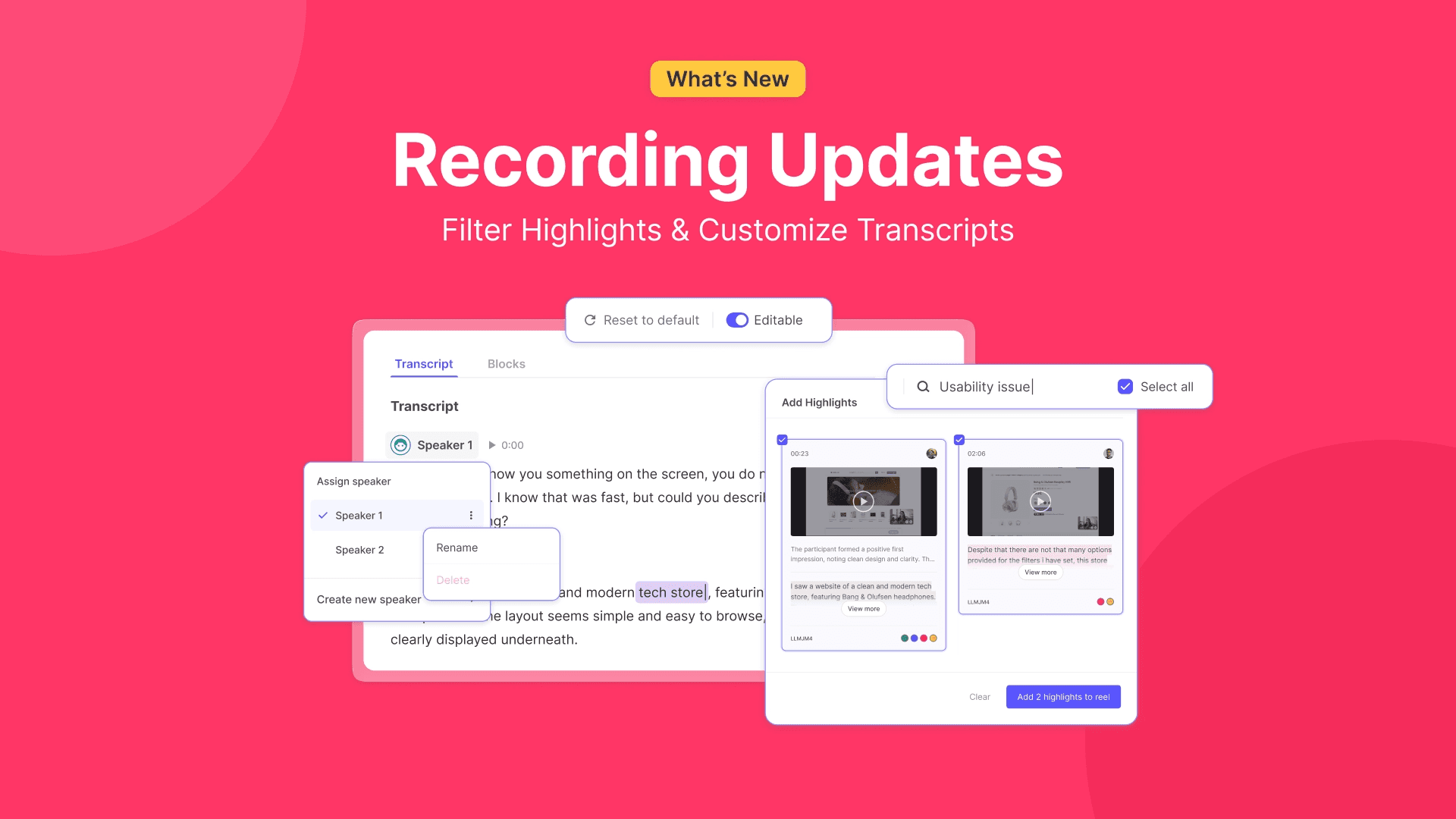
Recordings Updates: New Ways to Filter Highlights and Customize Transcripts
See what’s new at Useberry’s user testing platform this march. Highlight filtering with tags and notes, editable transcript texts, and customizable speaker names, in this month’s Useberry Recordings update.
Recordings Updates: New Ways to Filter Highlights and Customize Transcripts
See what’s new at Useberry’s user testing platform this march. Highlight filtering with tags and notes, editable transcript texts, and customizable speaker names, in this month’s Useberry Recordings update.
Latest posts




Stay ahead in UX research
Get practical guides, testing tips, and product updates, straight to your inbox.
By clicking the “Subscribe” button you agree to our Privacy Policy
Stay ahead in UX research
Get practical guides, testing tips, and product updates, straight to your inbox.
By clicking the “Subscribe” button you agree to our Privacy Policy
Create experiences users love
Understand what works, fix what doesn’t, and keep improving.
No credit card required
Create experiences users love
Understand what works, fix what doesn’t, and keep improving.
No credit card required
Create experiences users love
Understand what works, fix what doesn’t, and keep improving.
No credit card required