20 Figma essential plugins

•
3 min read
There are thousands of plugins published to the Figma Community. Here are 20 that can power up your workflow and take it to the next level.
Figma is one of my favorite design tools.
Don’t get me wrong, I love every single design tool out there since it moves the whole UX industry forward.
But it is a fact that Figma allows literally everyone to start getting their hands dirty with designs and prototypes because it a) has a flat learning curve and b) it has a free plan -that does the job most of the time.
So yes, there are other better design tools out there but the scope of this post is not to compare and contrast design tools so let’s get to the point.
Figma’s decision to open a plugins repository was, IMO, the dawn of a new era since It gives its users and 3rd party developers the power to take Figma to the next level.
To make your life a little bit easier, I gathered the 20 most necessary plugins that you need to give a try (I’m sure that most of you are already using them) in 2020. Oh, I also divided them into categories so you will find what you want easily.
Here it goes,
Accessibility
Collaboration
Productivity
Dev
Animations
Other Figma plugins
Optimization

Accessibility
Accessibility is everything in your designs and prototypes. This is no news. It is important therefore to put the extra effort to make our designs fully accessible. With these plugins, you will save time and effort too.
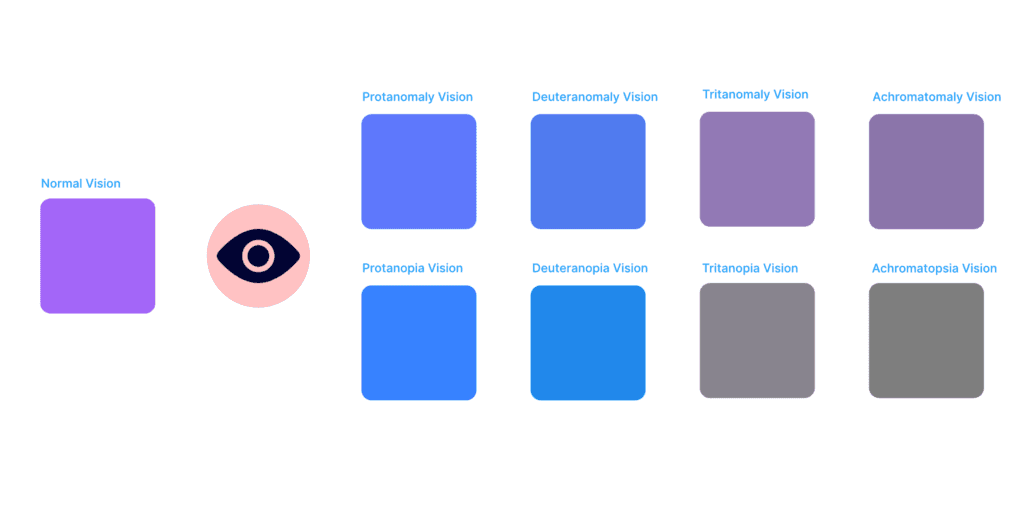
Able – Friction free accessibility
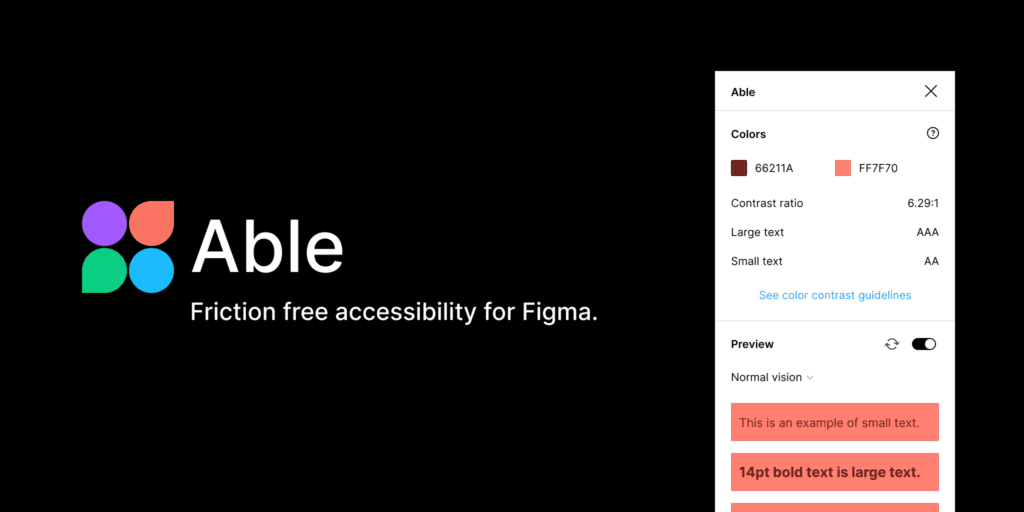
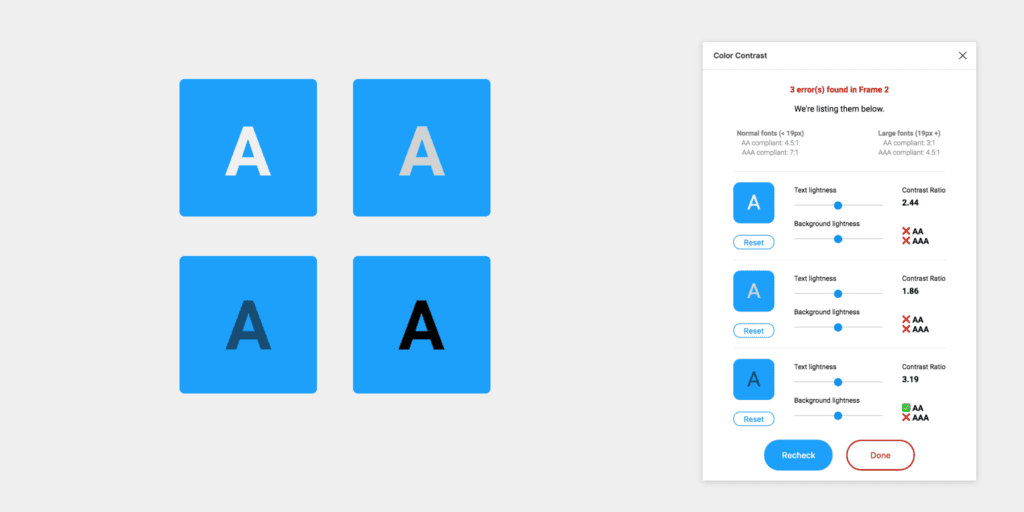
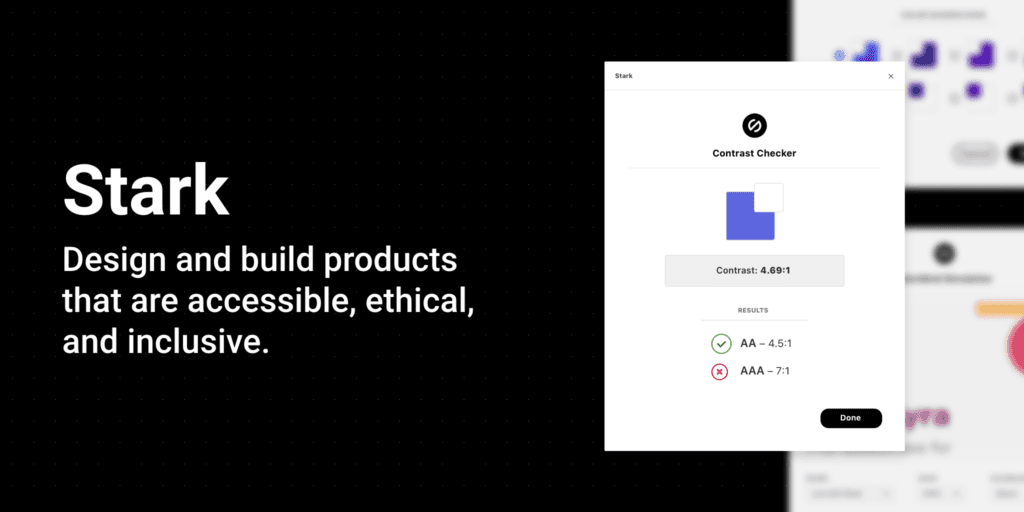
The contrast checker ensures that your text would be readable based on Web Content Accessibility Guidelines.
Collaboration
For years, we stressed the importance of having collaboration tools on our platforms. Thanks to these plugins our life got easier.
Perfect for product managers & planners.

This plugin helps you chat inside your files with your teammates.
Productivity
With these handy tools, you will save precious time and skyrocket your performance. If you haven’t tried them do so now 😉
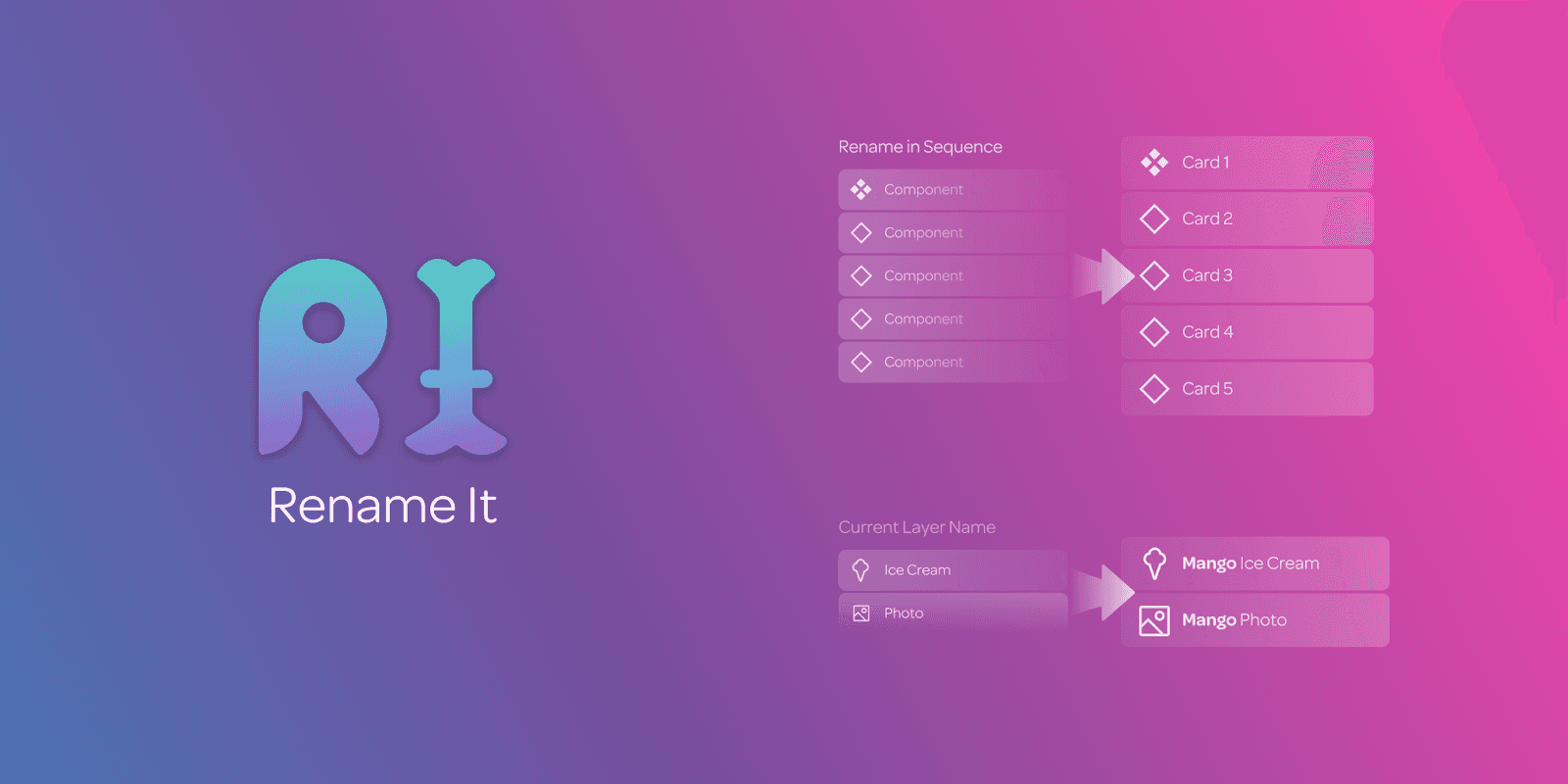
Rename layers and components and keep your files organized.
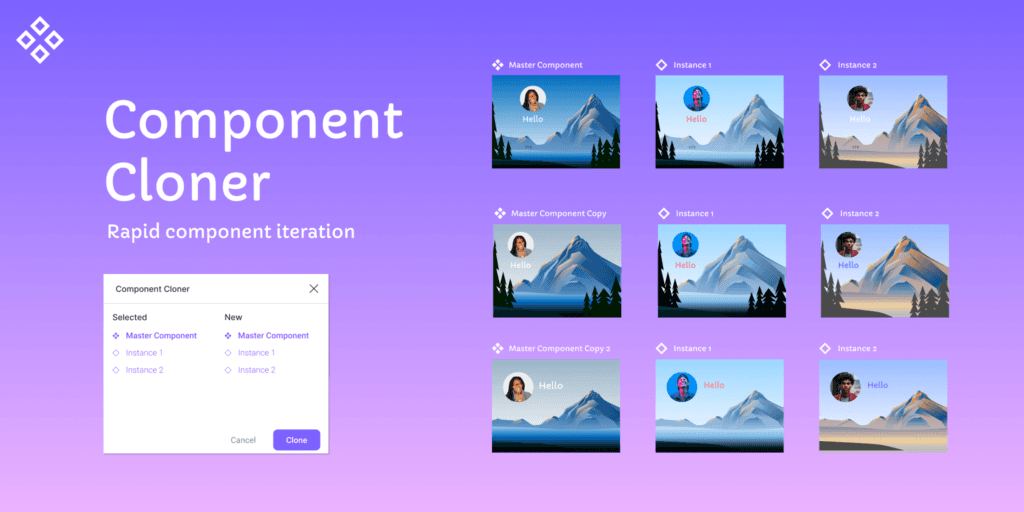
With the component cloner, you can select component instances you want to copy and they’ll be assigned to a new copy of their original master component.
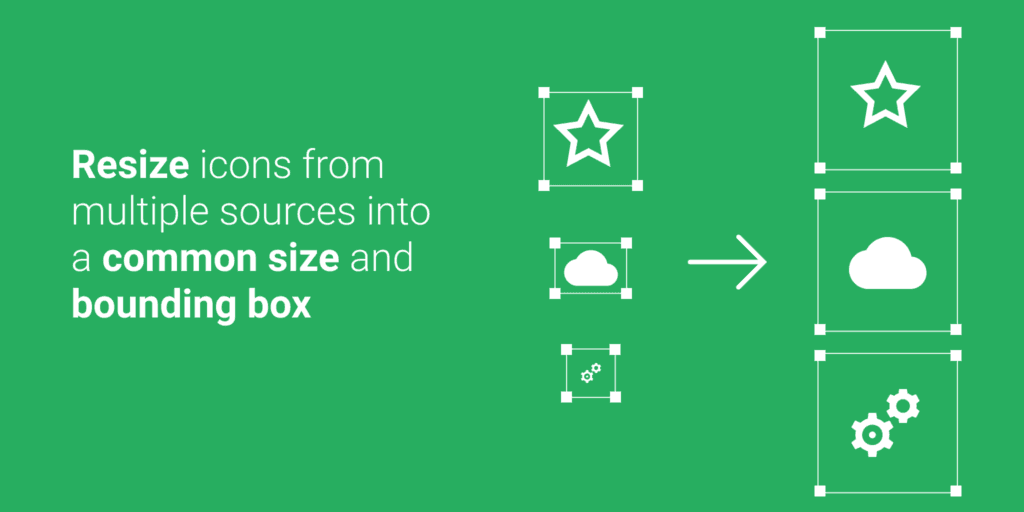
Resize icons from multiple sources.
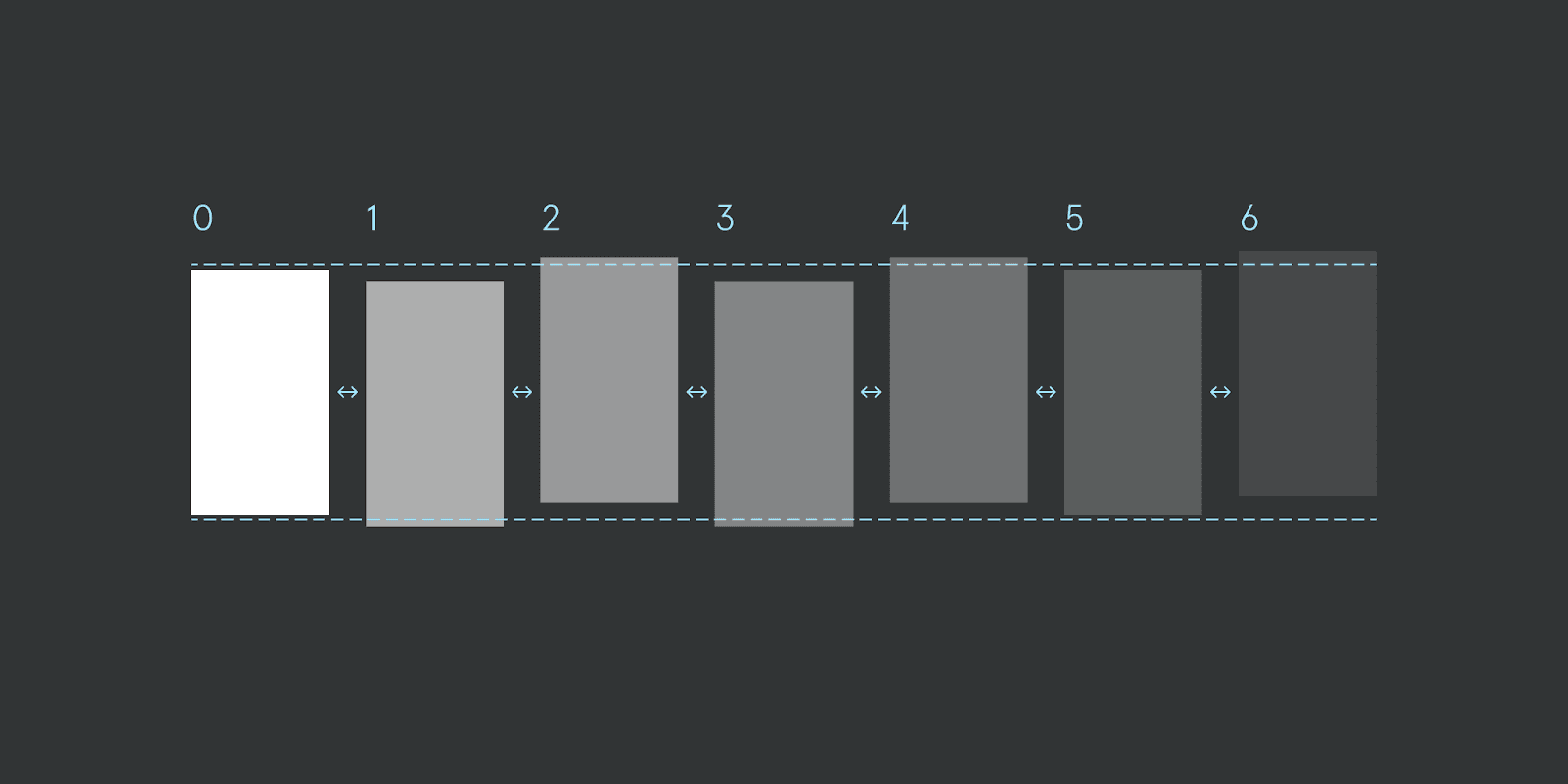
Easily align, rename and reorder your frames based on their canvas position.
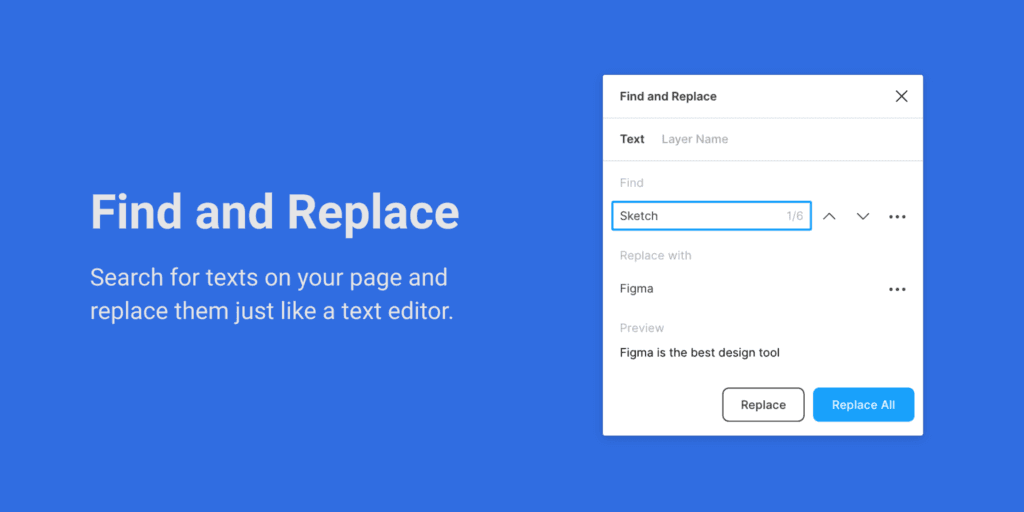
Find layers and texts on your file and replace them like a text editor.
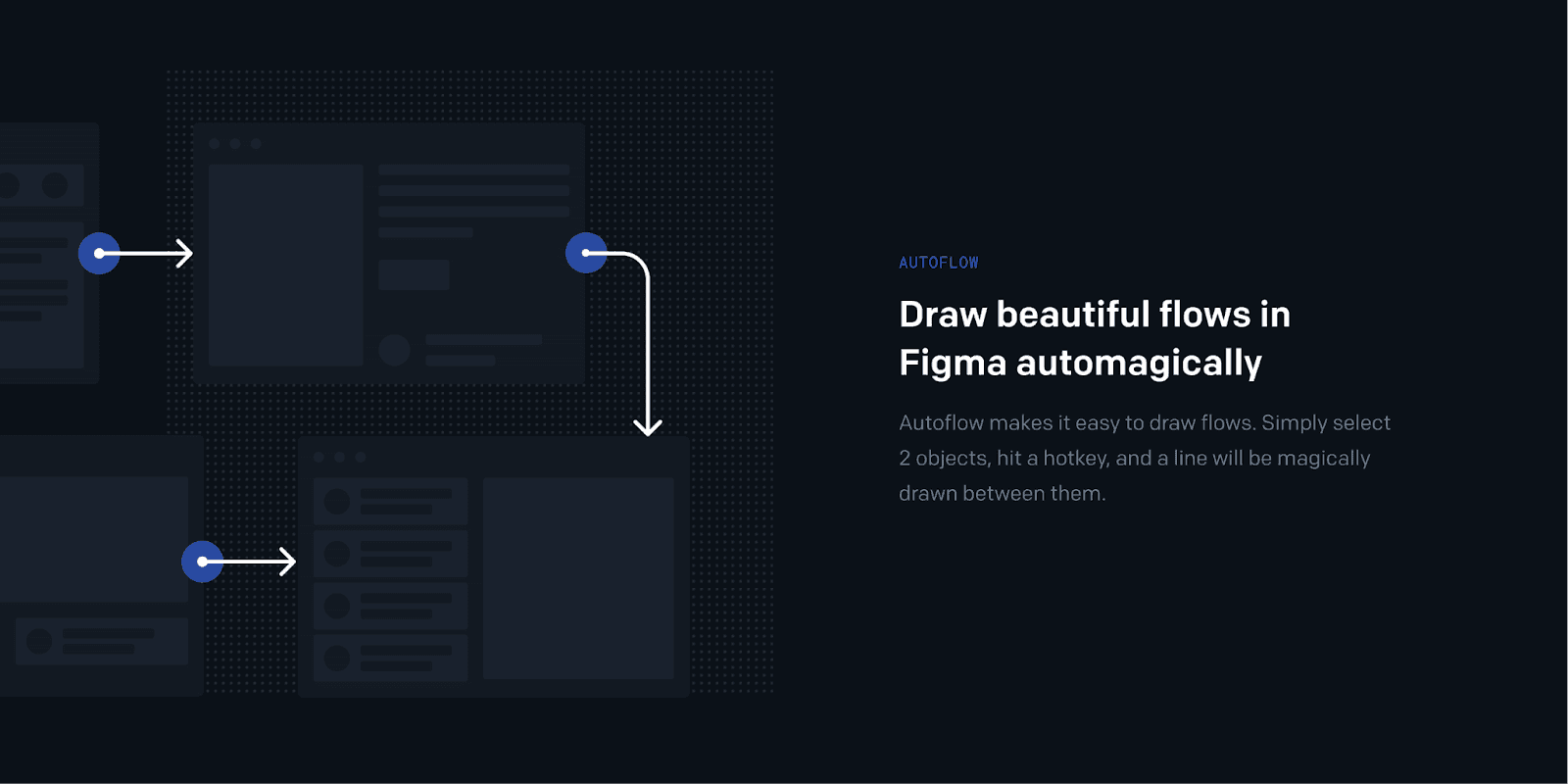
Create beautiful prototype flows in Figma with Autoflow.
Dev
Aligning your designs or prototypes with the real code has never been easier.
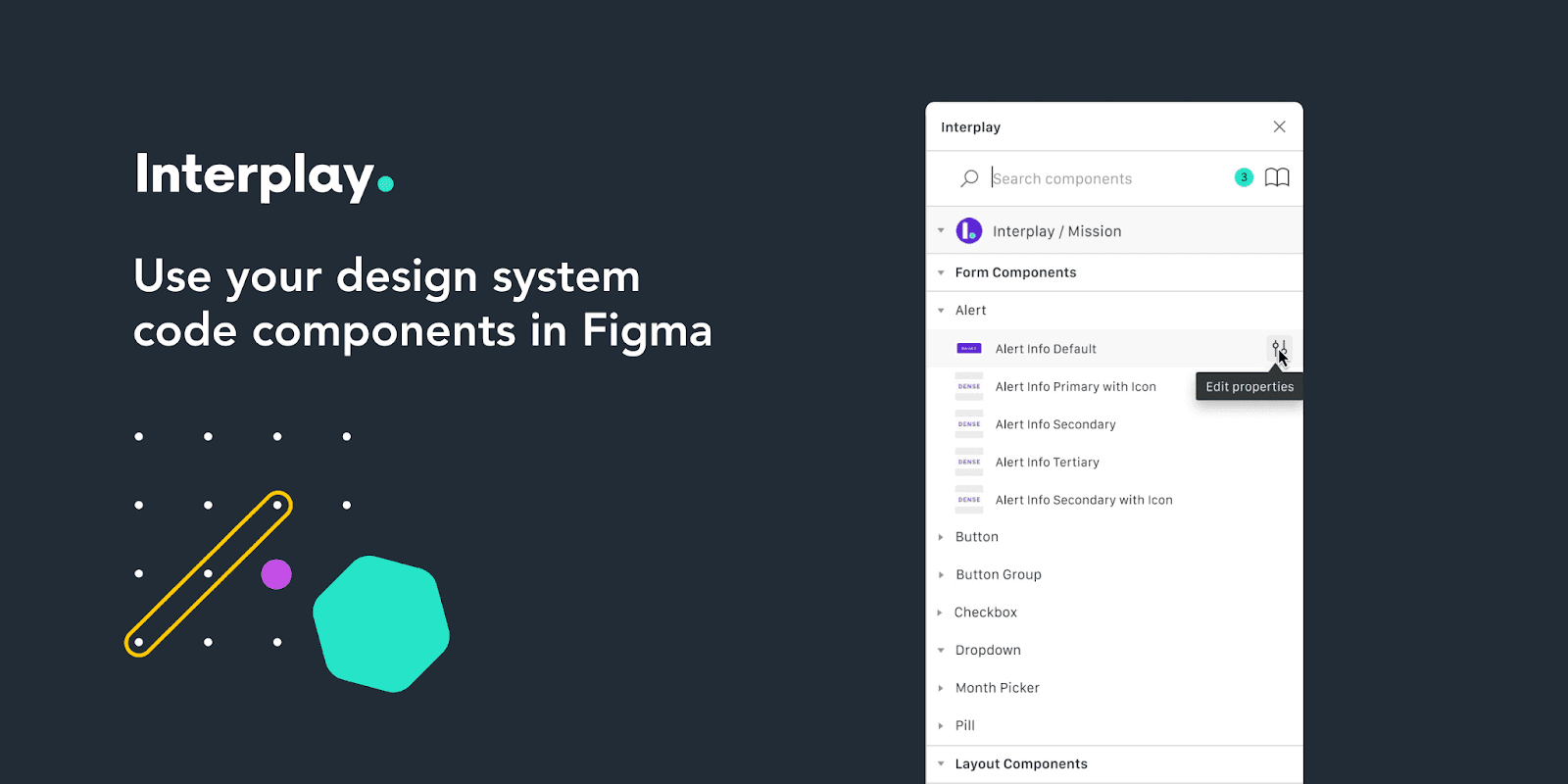
Interplay imports your design system code repository and lets you design with code components in Figma.
Animations
Nothing new to mention here. A useful plugin for animations. If you don’t use it already, do so now.
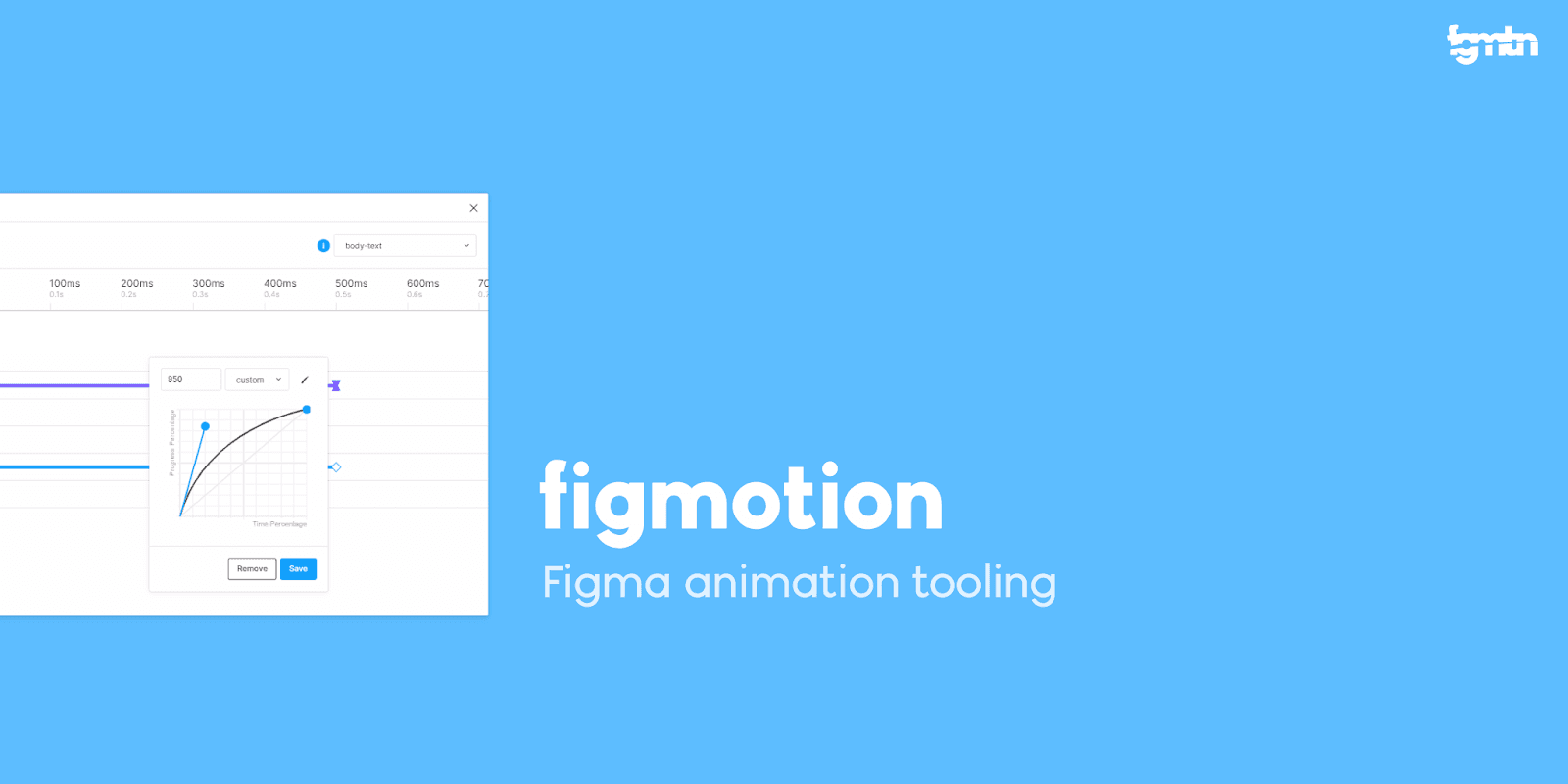
Create animations right in Figma.
Other Figma plugins

Image pallets plugin uses a median cut algorithm to extracts a color palette of 5 different colors from the selected images.
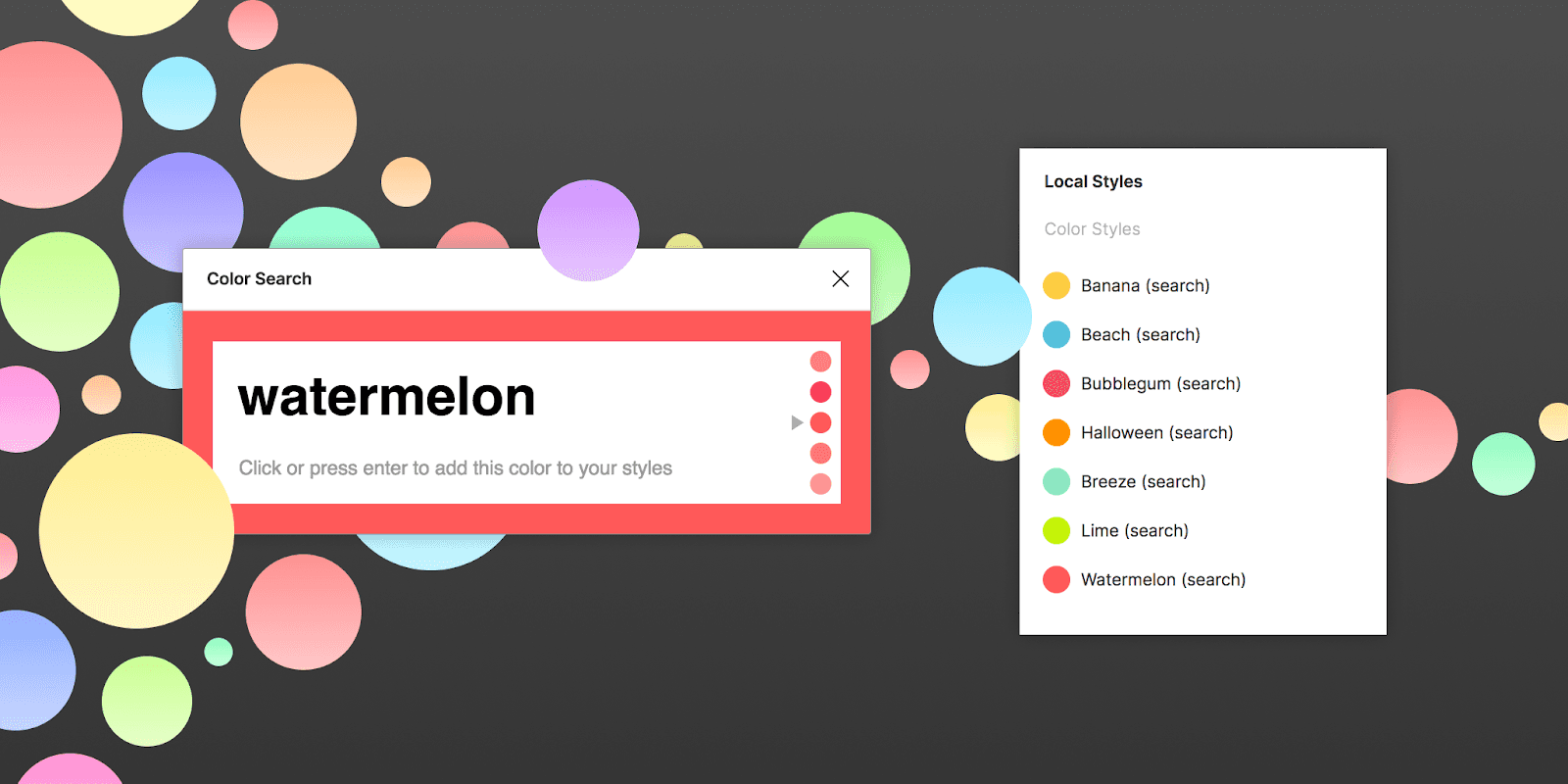
View all the selected colors with color search plugin.
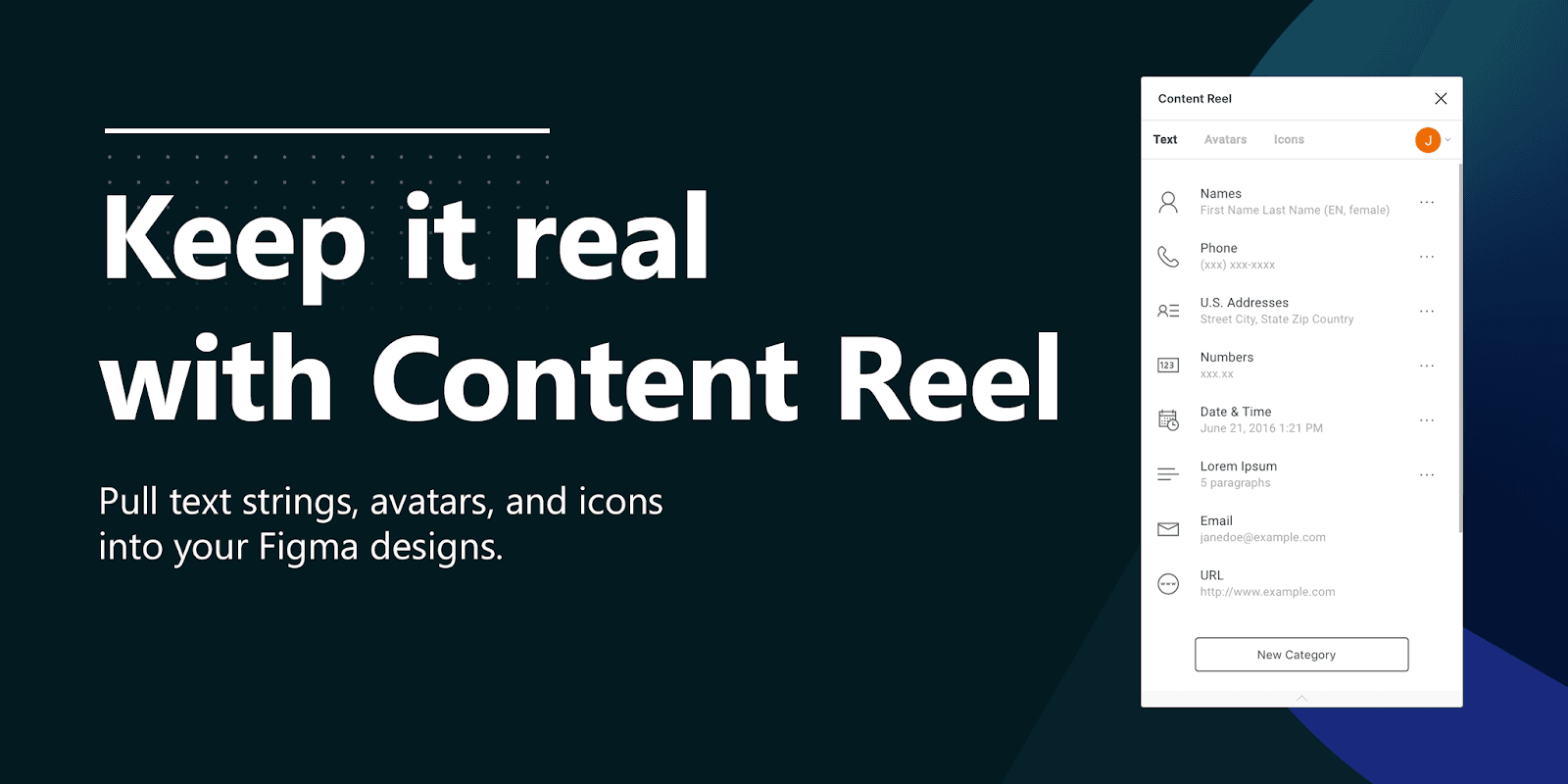
Make your designs look real. Enter data with Content reel.
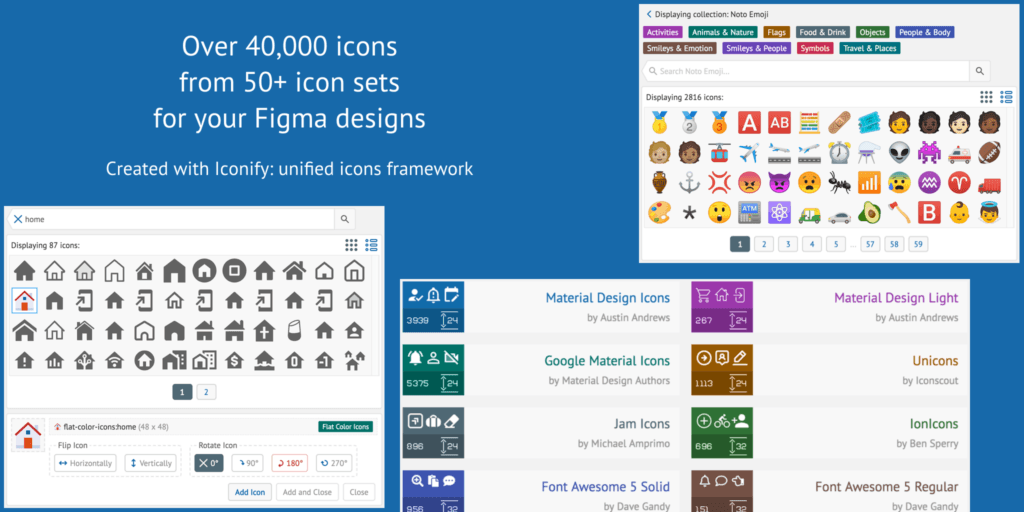
A very useful plugin for finding icons from 50+ different icon sets.
Figma User Testing and Optimization of Design
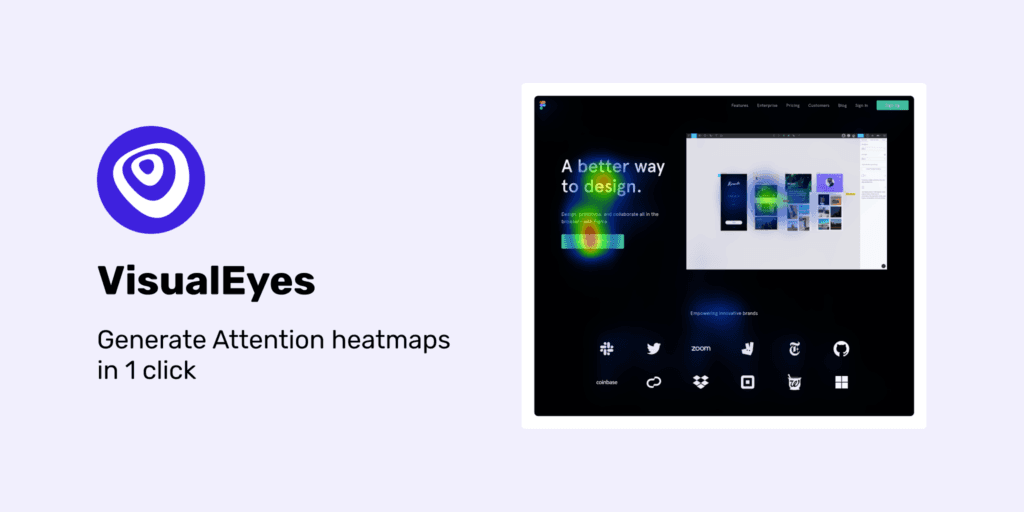
Improve usability with Visualeyes attention heatmaps.