Recordings Updates: New Ways to Filter Highlights and Customize Transcripts

•
2 min read
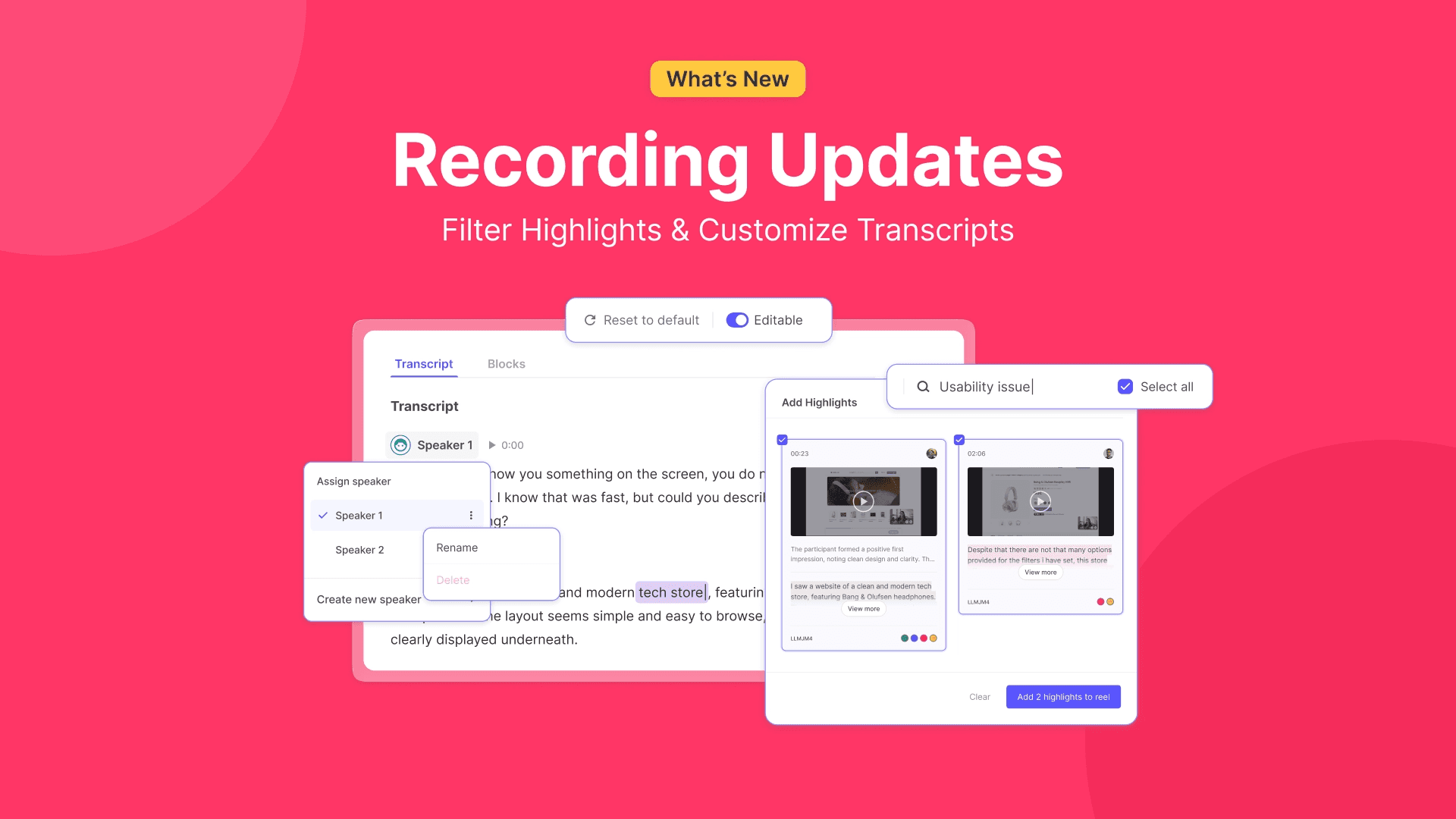
See what’s new at Useberry’s user testing platform this march. Highlight filtering with tags and notes, editable transcript texts, and customizable speaker names, in this month’s Useberry Recordings update.
Recordings have long been part of the Useberry experience, helping teams revisit sessions and work more closely with real user evidence.
In our recent Recording Updates release, we introduced bigger additions like Highlight Reels and Transcripts. Now, we’re building on that update with a few focused improvements that make everyday recording workflows even smoother, from filtering highlights faster to refining transcripts and customizing speaker names.
Find the right Highlights faster with filtering
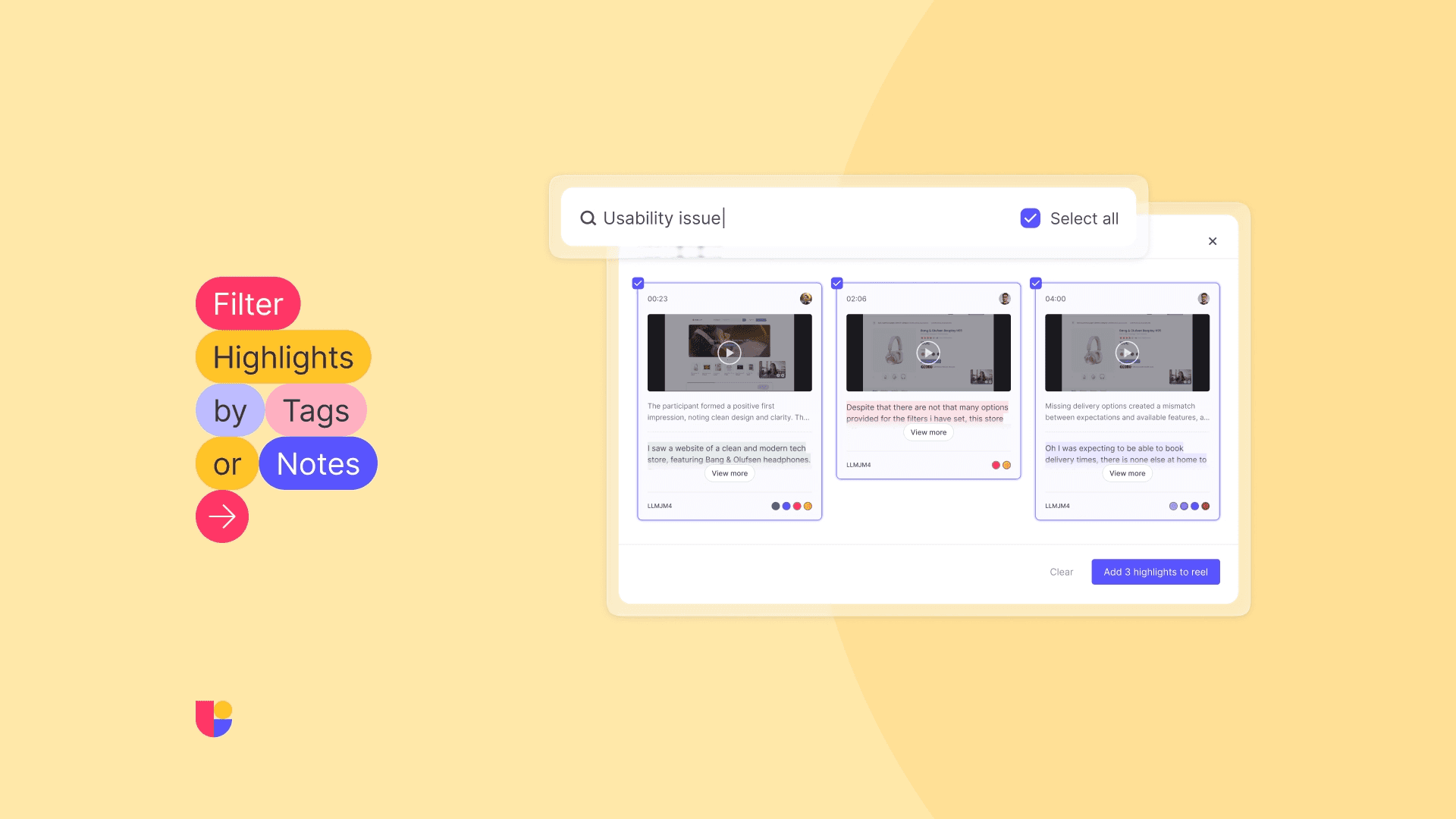
Image shows how to filter Recording Highlights on Useberry’s results page with tags and notes.
As highlight libraries grow, speed matters. When you are reviewing many recordings and collecting important moments along the way, being able to filter highlights by tags and notes makes it much easier to focus on exactly what you need.
Whether you are building a Reel around a specific theme, revisiting moments from a certain topic, or simply trying to move faster through a large set of highlights, filtering helps you get there with less scrolling and more clarity. It is a small upgrade that can make a big difference when you are working with lots of evidence and want to turn it into something useful, fast.
More control with editable transcripts
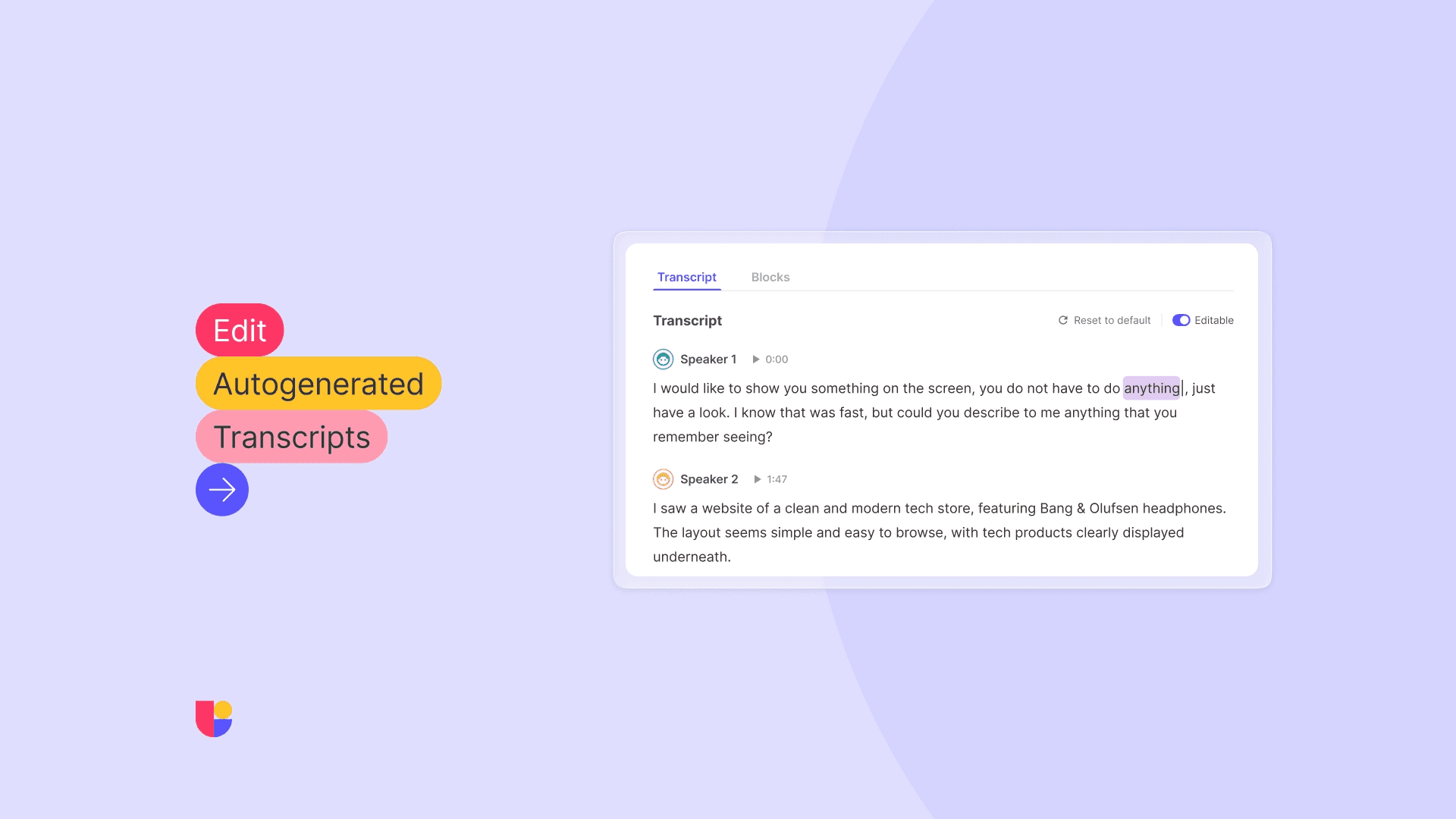
Auto-generated transcripts already save teams a huge amount of time. They make it easier to review conversations, revisit important moments, and share research without having to go back through every recording from scratch. With manual transcript editing, you now have even more flexibility to shape that output the way you want.
This means you can fine-tune wording, clean up small details, and make transcripts even more useful for internal collaboration, reporting, or sharing with stakeholders. It is all about keeping the speed of automation while giving teams more control over the final result.
Keep transcript conversations clearer with custom speaker names
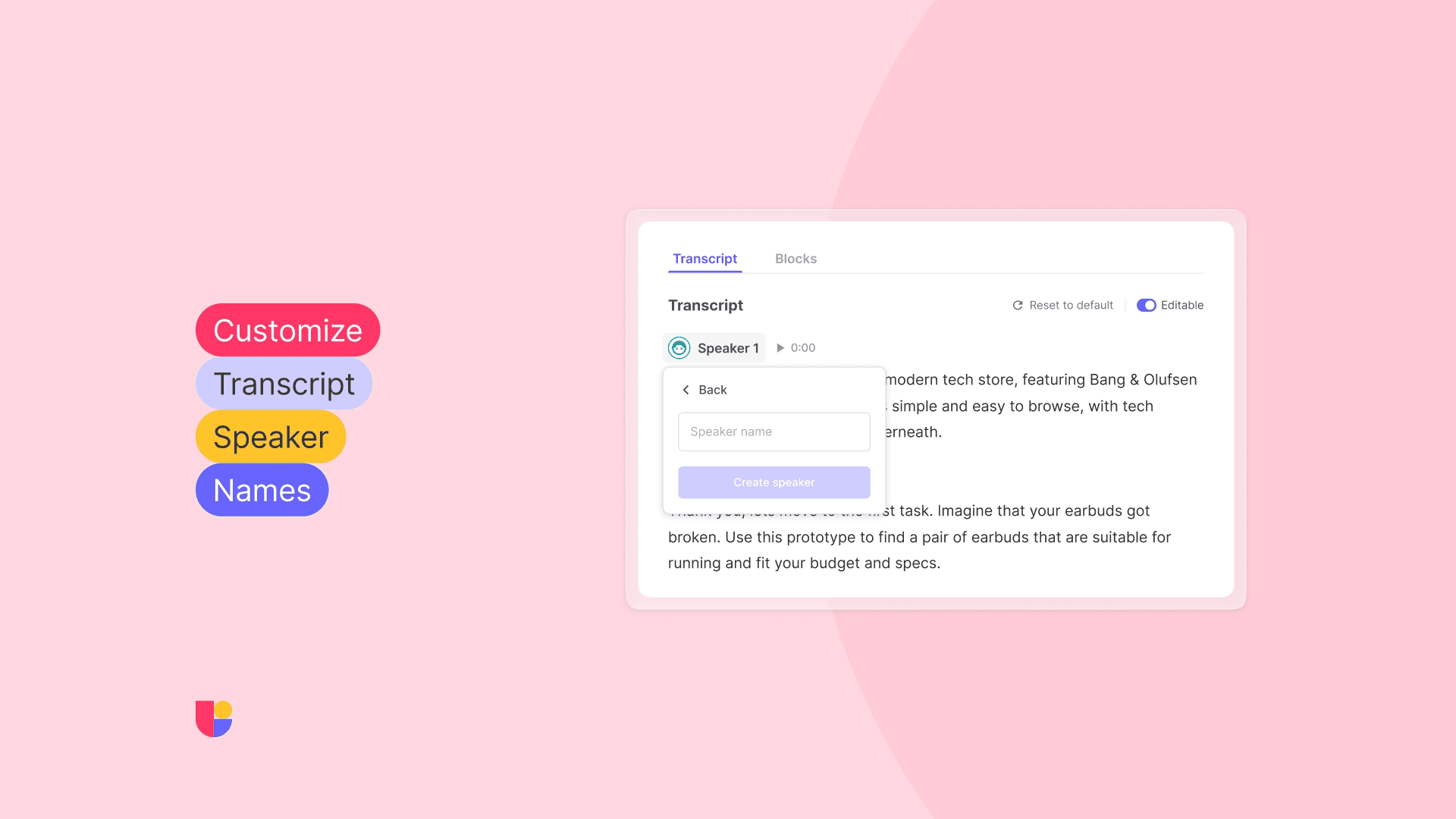
Transcripts become even more useful when the conversation is easy to follow. You can now change and customize speaker names in transcripts, making it simpler to understand who said what and easier to revisit discussions later with the right context in place.
This is especially helpful when sessions are shared across teams, added to reports, or reviewed by people who were not directly involved in the study. Clear speaker labels make transcripts feel more polished, more readable, and more practical as a research asset.
Small refinements that make recordings even stronger
These updates may be small, but they go a long way in making Recordings easier to work with day to day. From finding the right highlight faster to refining transcripts and making conversations easier to read, each improvement is designed to help you get more value from your research material with less effort.
Big update or small refinement, we are always working to make testing easier, smoother, and more useful for everyone using Useberry.