How UX Research Helps Content Teams Write Better

•
4 min read
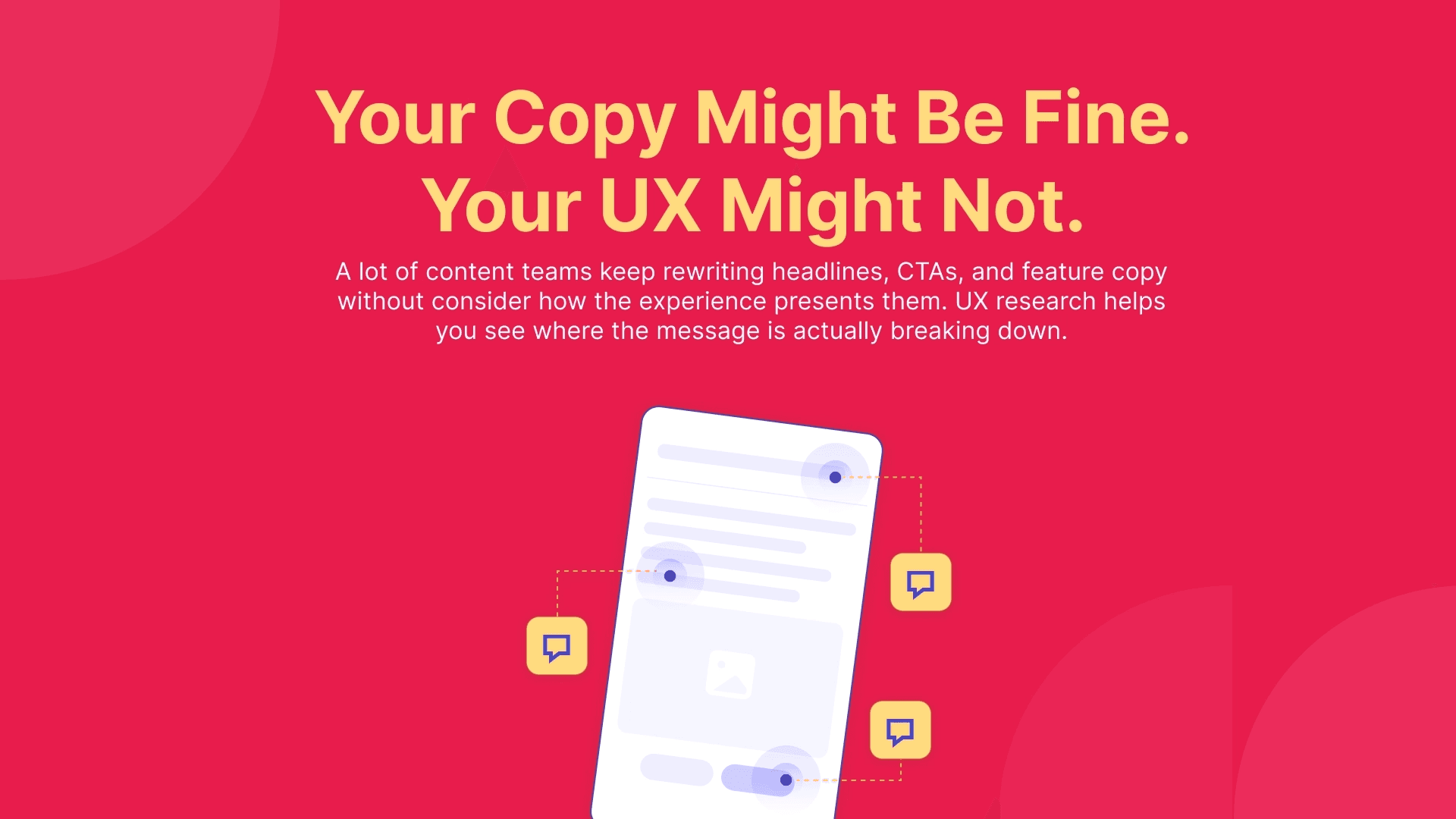
UX research helps content teams write with less guesswork. Here’s how real user behavior can improve headlines, CTAs, landing pages, and content decisions.
Content teams are often asked to improve results by improving the writing. A headline feels weak, a CTA is not getting clicked, or a feature description is not landing, so the team goes back into the copy and starts rewriting.
I know that instinct well. I work in content and marketing, and when something feels off, the words usually get blamed first. Sometimes that is absolutely fair. But I have also learned that content gets much better when it is shaped by real user understanding instead of internal decisions.
UX research shows how the content actually performs when real users experience it.
Content teams usually write with “too much” context
One of the hardest parts of content work is that the people writing it already know too much. They know the product, the campaign goal, the feature background, and the message the page is supposed to deliver. By the time the draft is reviewed, it is usually being judged by people who already understand far more than the user will.
That changes how content gets evaluated. A headline can feel clear because the team already knows what it refers to. A CTA can feel obvious because everyone in the room already knows what happens after the click. UX research helps break that bubble and shows what the content looks like with fresh eyes.
UX research changes how content gets judged
Content is often reviewed in a calm, ideal way. People read the page carefully, discuss whether the message sounds clear, and assume users will move through it in a similar way. In reality, they usually do not.
Users scan, skip, hesitate, miss what feels obvious, and sometimes get stuck in places nobody expected. Once you see that happen, you stop judging content only by how polished it sounds. You start asking whether users noticed it, understood it at the right moment, and had enough support from the surrounding experience for it to land.
Better writing is not only about wording
This is probably the most useful thing UX research gives content teams. It reveals that a writing issue is often not only a writing issue.
A message may be technically correct but appear too early. A feature explanation may be accurate but presented at the wrong place. A CTA may sound strong on its own but arrive before the page has built enough reason to click it. In those cases, the content gets blamed for a problem that is really coming from structure, pacing, or flow.
I have seen pages go through multiple rounds of copy changes with very little impact. Then the team adjusts the order of information or revises the design, and the content starts working better without a major rewrite. That is usually the clearest sign that the writing was only part of the issue.
Where this helps content teams most
Landing pages are the obvious example. Research can show whether users actually understand the offer, trust the message, and know what to do next. Sometimes the copy needs work. Sometimes the bigger issue is that the page asks for action before it has earned enough clarity.
The same applies to product and feature content. Labels, descriptions, onboarding text, help content, email copy, and update announcements all live inside experiences. They are not read on their own. A sentence that sounds fine in a draft can still create confusion once it appears inside a real flow.
Some landing pages are also time-sensitive, which makes this even more important for marketers. If you are launching a short campaign for a promo weekend, an event, or a limited-time offer, you often do not have the luxury of going live, realizing users are confused, and then spending days revising. Running a quick website usability test in Useberry before launch can help catch unclear messaging, weak flow, or hesitation points early, while there is still time to fix them.
What I do differently now
The biggest shift for me has been learning not to blame the copy too quickly.
When something is not landing, I still look at the writing first, of course. But now I also ask what the user is seeing around that writing, what they are expected to understand at that point, and whether the page or flow is actually helping the message do its job.
Basically UX research helps me write with a clearer picture of what users actually need.