Why First Clicks Matter More Than Teams Think

•
6 min read
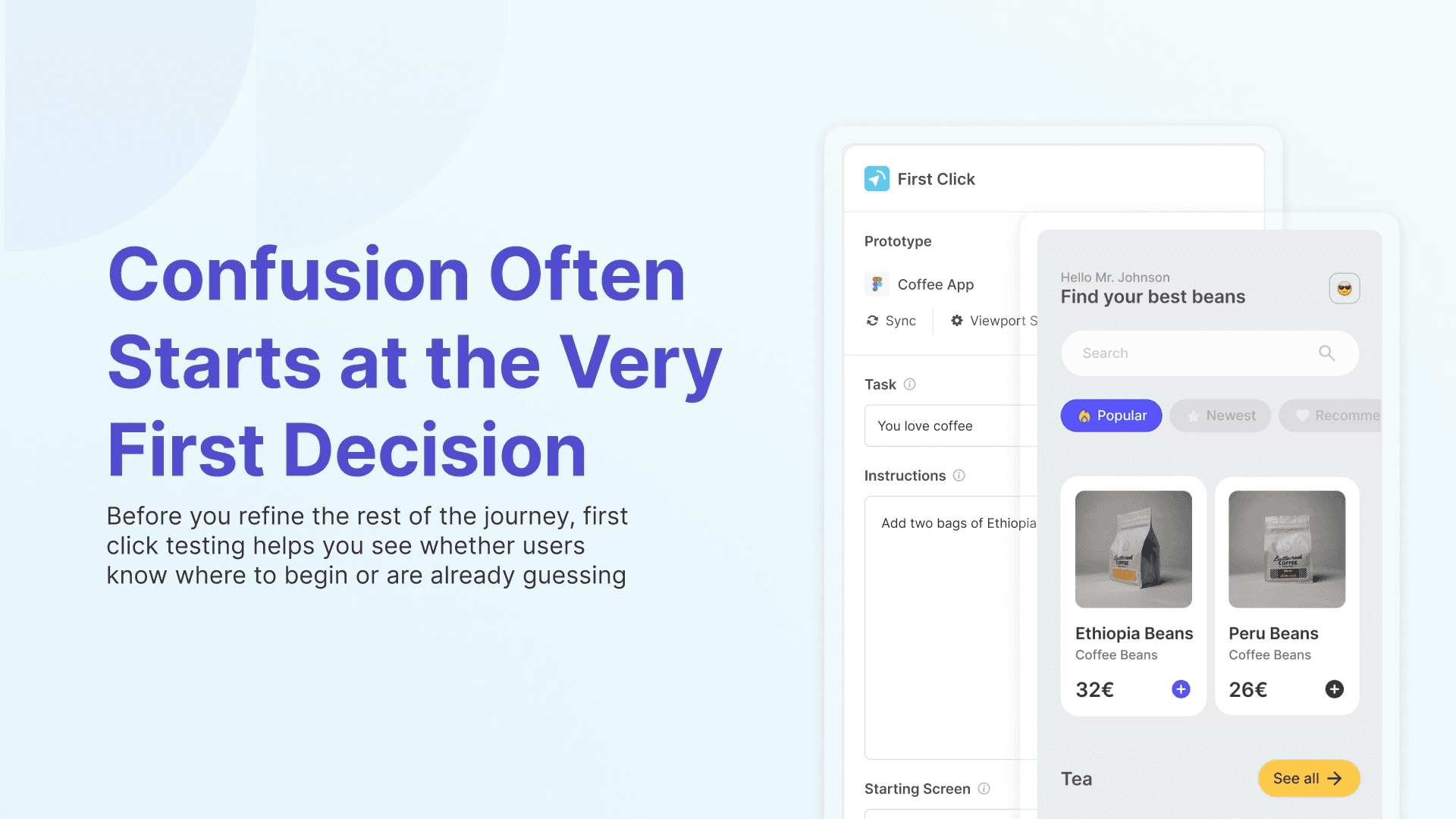
First click testing helps UX teams validate whether users know where to begin before they invest more time refining the rest of the flow. This article explains what first click testing measures, when to use it, how to write stronger tasks, and what a good result actually looks like.
A lot of user journeys start going wrong early in the experience. Not halfway through checkout, not at the final CTA, but at the very first decision.
Where do I click? That first click can tell you a lot. If users know where to go right away, it usually means your navigation, labels, layout, or CTA are doing their job. If they hesitate, split between multiple paths, or choose the wrong place, the rest of the experience gets harder from there.
That is why first click testing matters. It gives teams a fast way to check whether users can orient themselves before they invest more time polishing the rest of the flow. A key user experience research on first click has been conducted by Bob Bailey and Cari Wolfson found that:
Correct First Click: If users click the right link, button, or menu item on their first attempt, they have an approximately 87% chance of successfully completing the overall task.
Incorrect First Click: If the first click is incorrect, the success rate drops significantly, to roughly 46%.
What first click testing actually measures
First click testing measures whether users know where to begin when they are given a specific goal.
That sounds simple, but it is one of the most useful signals you can get in UX. It helps you understand whether your structure and interface point people in the right direction, or quietly pull them away from it.
This makes first click testing especially useful for large variety of instances, such as:
homepage layouts
landing pages
settings screens
dashboards
feature entry points
key CTAs
navigation menus
When should you use first click testing?
In an ideal workflow, you might have already used methods like card sorting and tree testing to shape and validate the information architecture underneath. First click testing then becomes a strong next step, helping you check whether the design direction and entry points make that structure feel clear in the actual interface.
But the time to run a first click test is when you are looking for an answer to “Will users know where to start?” You might use first click testing when:
you are changing navigation and need to check whether a label is pulling people in the right direction
you are comparing two layout options and want to see which one creates clearer paths
you are launching a feature and need to validate whether the entry point makes sense
you are noticing drop-offs or confusion and want to isolate whether the issue starts at the first step
you are redesigning a homepage and want to know whether users understand where to go first
This is also where first click testing can save time. Instead of running a long study to discover that users were lost from the beginning, you can catch that signal quickly and fix it before the rest of the journey is even tested.
What makes a good first click testing task?
A first click test is only as useful as the task you give participants. The task should sound like a real goal, not an instruction manual. It should describe what the participant wants to achieve without hinting at where they should click. For example:
Good:
“Where would you go to update your payment details?”
Too vague:
“Find billing.”
Too leading:
“Click Billing and update your payment method.”
Good tasks work because they reflect real user intent. Participants should feel like they are solving a realistic problem, not decoding your internal language. That is also why task writing matters so much. If the task is fuzzy, the result becomes fuzzy too. If you want to sharpen the way you phrase tasks and follow-up prompts, our article on what effective user testing questions sound like is a useful next read.
If you want a faster starting point, Useberry’s First Click Test Template gives you a strong structure from the beginning, so you can focus on writing the right task and choosing the right screen instead of setting everything up from scratch. You can also create your own study and save it as a template to use in the future!
What counts as a “good” first click result?
This is the question teams usually ask right after they run the study. The short answer is that a good result is not just about whether people clicked the correct place. It is also about how confidently and consistently they got there.
A few things matter:
Success rate - How many participants clicked the correct area first?
Split behavior - Did most people click the same place, or were they scattered across several options?
Wrong turns (failure) - If people clicked incorrectly, where did they go instead? This often reveals label overlap or structural confusion.
Hesitation - Did users act quickly, or did they pause and scan the screen before deciding?
A result can look decent on the surface and still point to a problem. The goal is not perfection. The goal is clarity. You want the first click to feel obvious enough that users do not need to guess.
Why teams should not stop at first click testing
First click testing is powerful, but it is focused. It tells you whether users know where to start. It does not tell you everything that happens after they get there.
Someone might make the correct first click and still struggle with the rest of the journey. That is why first click testing works best as part of a broader research flow, especially when the stakes are higher.
A common pattern inside Useberry could look like this:
start with a first click test to validate direction
use a five-second test if your challenge is more about first impression or visual clarity
follow up with a website usability test if you need to understand the full flow
Each method answers a different question. First click testing is especially useful because it helps teams isolate where confusion begins.
First click testing works best when it answers one clear question
The teams that get the most value from first click testing usually keep their goal simple. They are not trying to measure everything at once. They are trying to answer one focused question:
Do users know where to begin?
That is what makes first click testing so practical. It is fast, it is specific, and it can reveal a problem before the team spends more time refining the wrong thing. If users do not know where to click first, the rest of the experience is already under pressure.
When users know where to start, it is a sign your labels, layout, and entry points are doing their job. When they do not, the rest of the journey feels harder from the beginning.