How Mohamed Elshamy Used Claude and Useberry to Automate a Design-to-Validation Workflow
•
6 min read
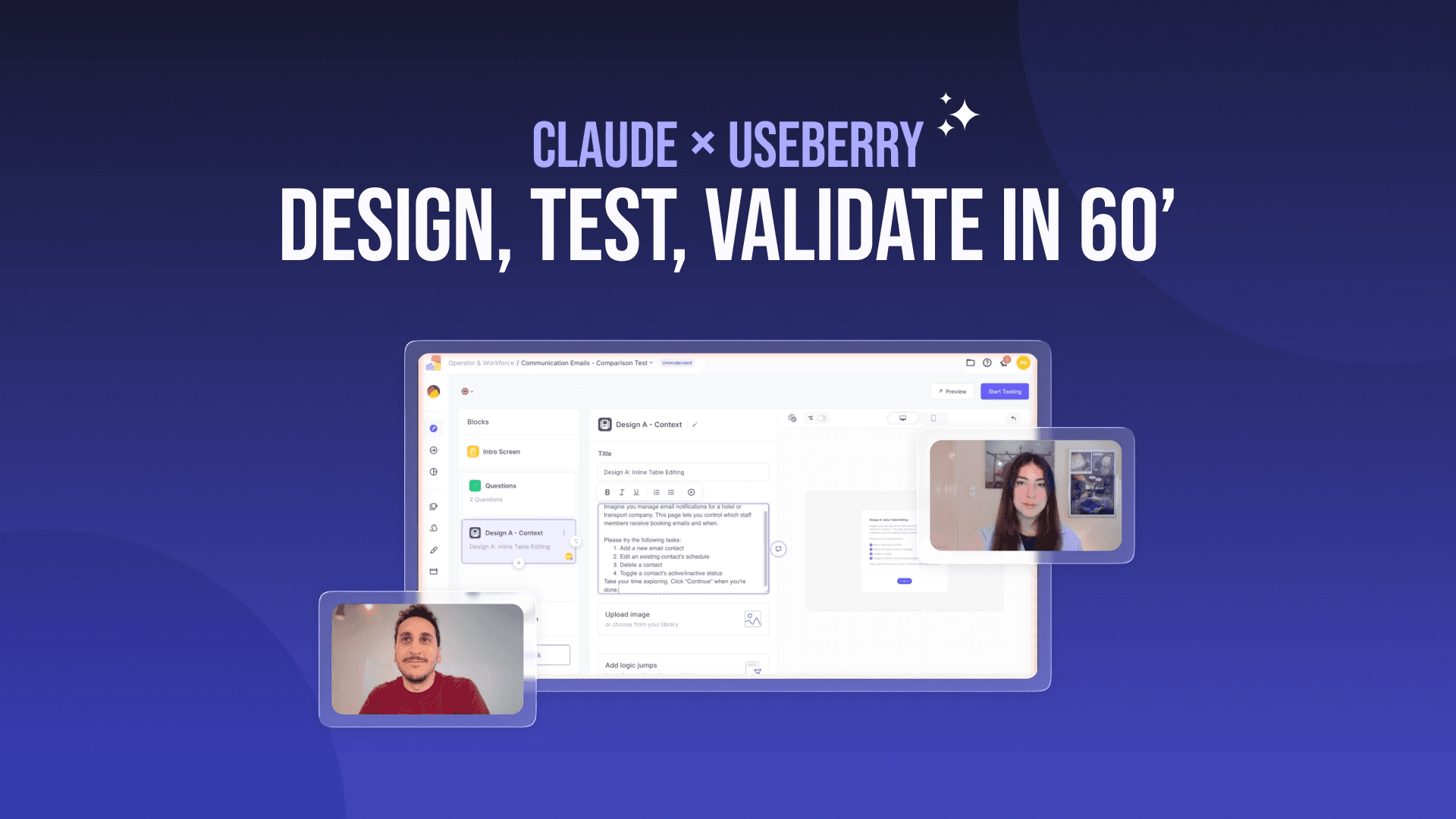
See how Mohamed Elshamy used Claude and Useberry to turn product friction into tested design directions, validate them with users, and move from feedback to a stronger solution faster.
In our recent webinar with Mohamed Elshamy, Product Designer at HRS, we walked through a workflow that many product teams are curious about right now: how AI can help move design work faster, without removing user validation from the process.
Instead of using AI only for ideas or design drafts, Mohamed showed how he used Claude and Useberry together to automate key parts of the workflow and move from friction to tested design directions in a much shorter cycle. Claude did not just suggest what to do next. It actively worked through the process, auditing the existing experience, structuring the work, generating multiple solutions, turning them into testable interactive prototypes, and even set up the user test inside Useberry. Useberry then made it possible to validate those solutions with real user insights before deciding what to move forward with.
If you are trying to understand what an AI-supported design and research workflow can actually look like in practice, this webinar is a very good place to start.
Watch the full webinar:
What this webinar shows
In the session, Mohamed shows how he:
used Claude to audit an existing feature and synthesize feedback
generated a PRD and three different design directions
turned those directions into functional prototypes
used Useberry to set up and run an unmoderated usability test
reviewed user feedback, recordings, and preferences
used those insights to shape a stronger final solution
It is a useful look at how AI can automate parts of design and testing work without removing human judgment from the process.
The product problem
The page Mohamed used for this demonstration, called “communications email,” had multiple documented problems. There was no clear entry point for adding a new email, editing felt confusing, saving changes was difficult, some labels were vague, and important actions were not as clear as they should have been. In short, this was a feature with well-documented UX complaints, which made it a strong candidate for the demonstration.
In short, there were many documented UX complaints about a feature that should have felt straightforward which made it a strong candidate for this demonstration.
How Claude helped structure the work
In the first prompt, Mohamed gave Claude a mix of product screenshots, user pain points, support-ticket style feedback, usability issues, and stakeholder input. He asked it to analyze what was broken, run a UX audit, create a product requirements document (PRD), and propose three different design approaches.
From that input, Claude helped generate:
a UX audit of the current experience
a problem statement
user types and context
success criteria
functional requirements
design constraints
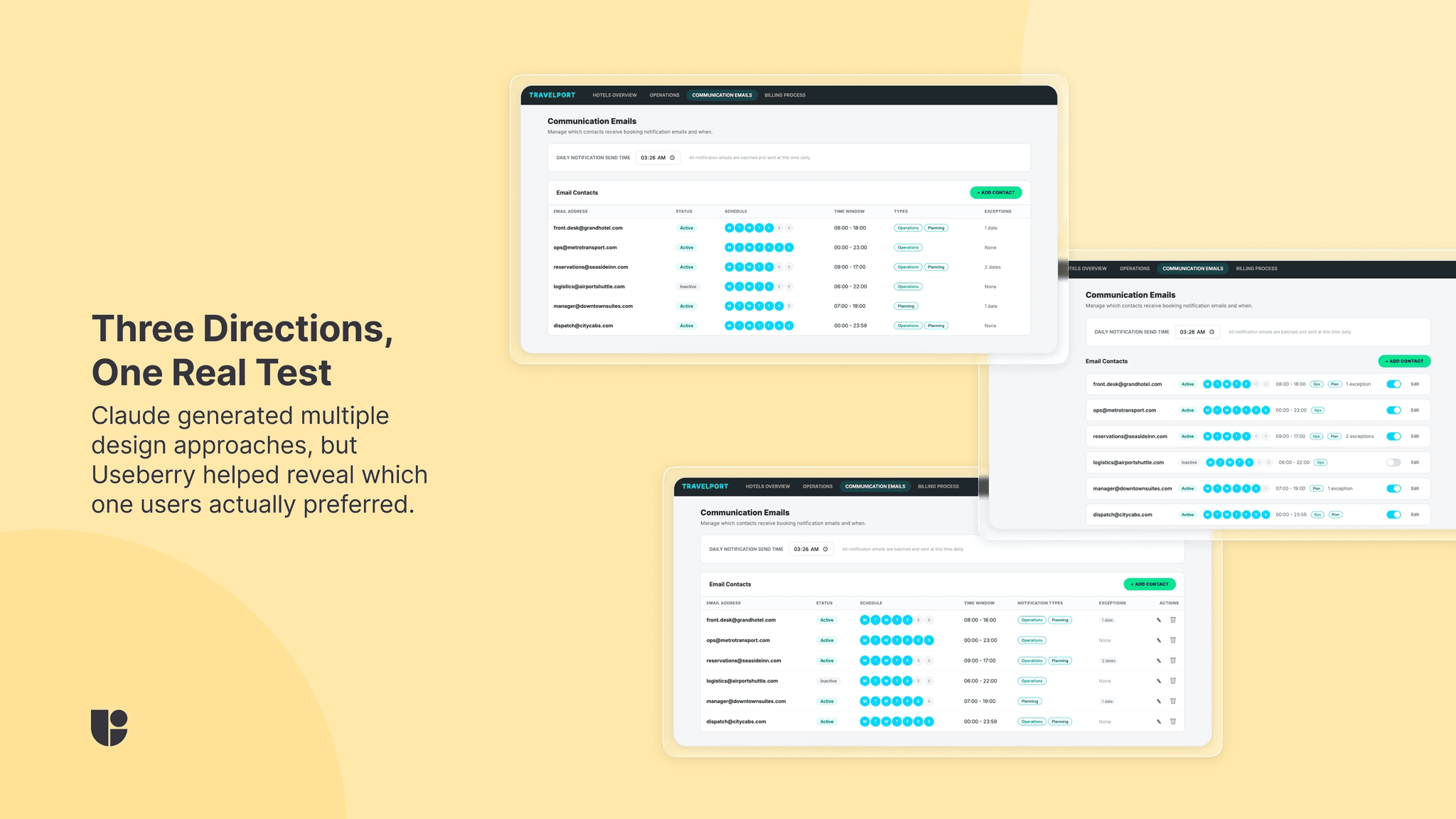
three design directions
The three directions it produced were:
inline row editing
side panel
card-based contact list
That is what made the workflow interesting. AI was not just generating loose ideas. It was automating one of the slowest parts of the process, turning messy feedback into structured, testable design directions much faster.
The prompts were a big part of what made this work
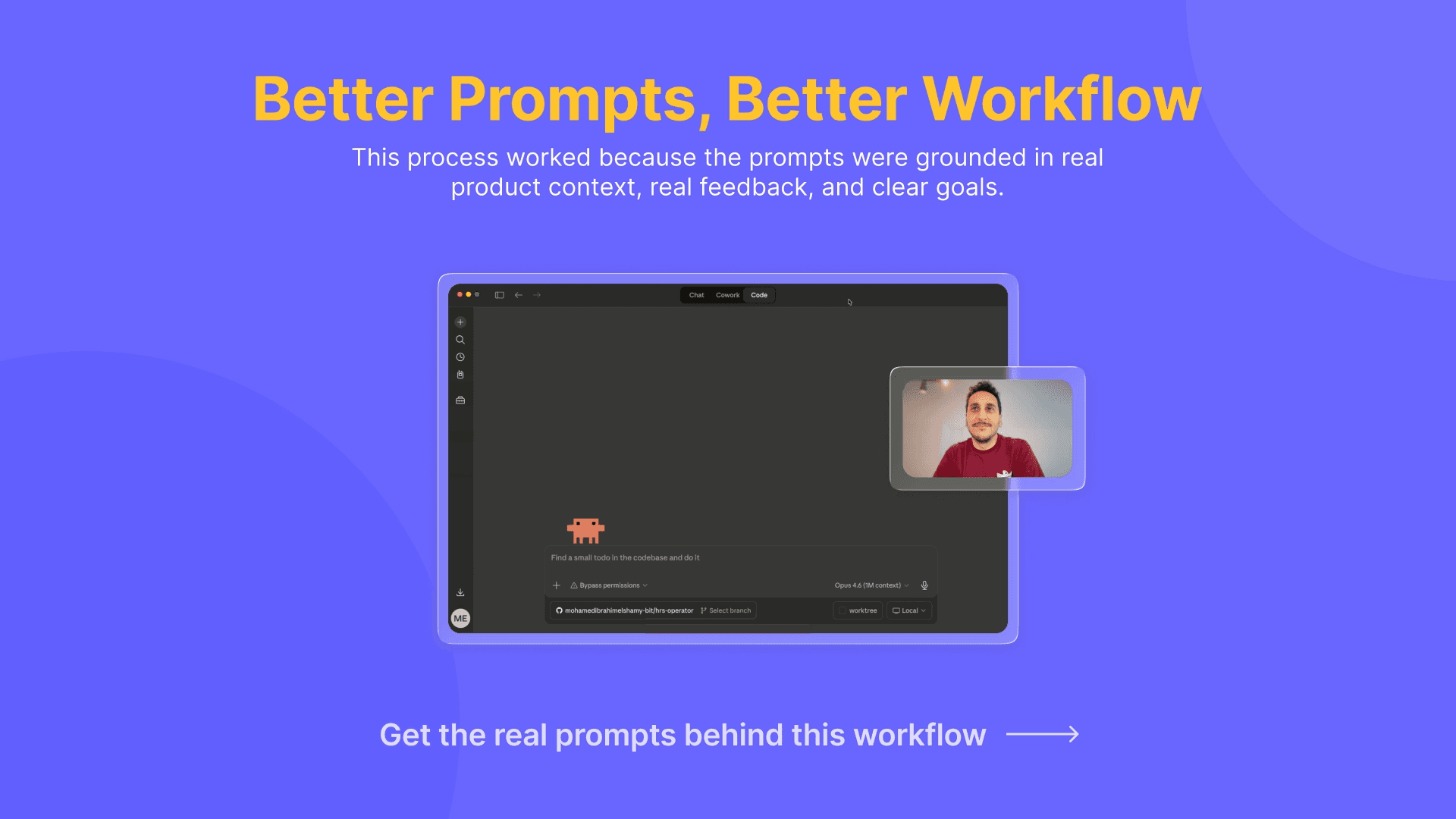
One thing Mohamed made clear in the session is that this workflow did not happen from one vague AI request. He prepared his prompts carefully. He gave Claude a role, a goal, product context, product design screenshots, feedback, and a clear task. He also reviewed what Claude produced instead of treating the first output as final.
Mohamed was kind enough to share the specific prompts he used with us. We have published a separate article where he breaks down the prompts he used and how he approached them step by step.
From design directions to functional prototypes
After Claude created the PRD and three design directions, Mohamed asked it to turn each one into a separate functional front-end prototype.
Instead of stopping at static concepts, Claude generated three HTML versions, one for each approach, and deployed them to Vercel. It turned the ideas into live pages that could be tested more like real product experiences. Rather than testing limited prototypes, Mohamed could use live versions that behaved more naturally and could be brought easily into Useberry for validation.
As Mohamed said:
That is also where the process starts to feel less like AI experimentation and more like a serious design and testing workflow.
How the Useberry test was set up
The automation did not stop at design. Claude helped build the structure of the Useberry study, speeding up a step that usually takes more manual setup. Once the three variants were ready, Claude moved into Useberry to validate them with users while Mohamed supervised.
He showed how Claude could help create the Useberry test in the Chrome browser, while he supervised the process and reviewed what was being built. The study was designed as an unmoderated user test comparing the three variants.
The setup included:
a screener-style question to understand participant fit
three test steps, one for each design direction
an open analytics block for self exploratory
tasks focused on core actions
a final question asking which version users preferred and why
The main tasks centered on actions like:
adding a new email
editing an existing email
deleting an existing email
This part of the webinar is especially useful because it shows that AI did not just help generate the design work. It also helped build the structure around how that work would be tested.
Why testing with Useberry mattered
This is where the workflow becomes much more credible.
AI can help produce design directions quickly, but testing is what helped Mohamed understand which one actually worked better for users. In the webinar, he explains that the more interactive prototypes led to better-quality feedback than static screens would have.
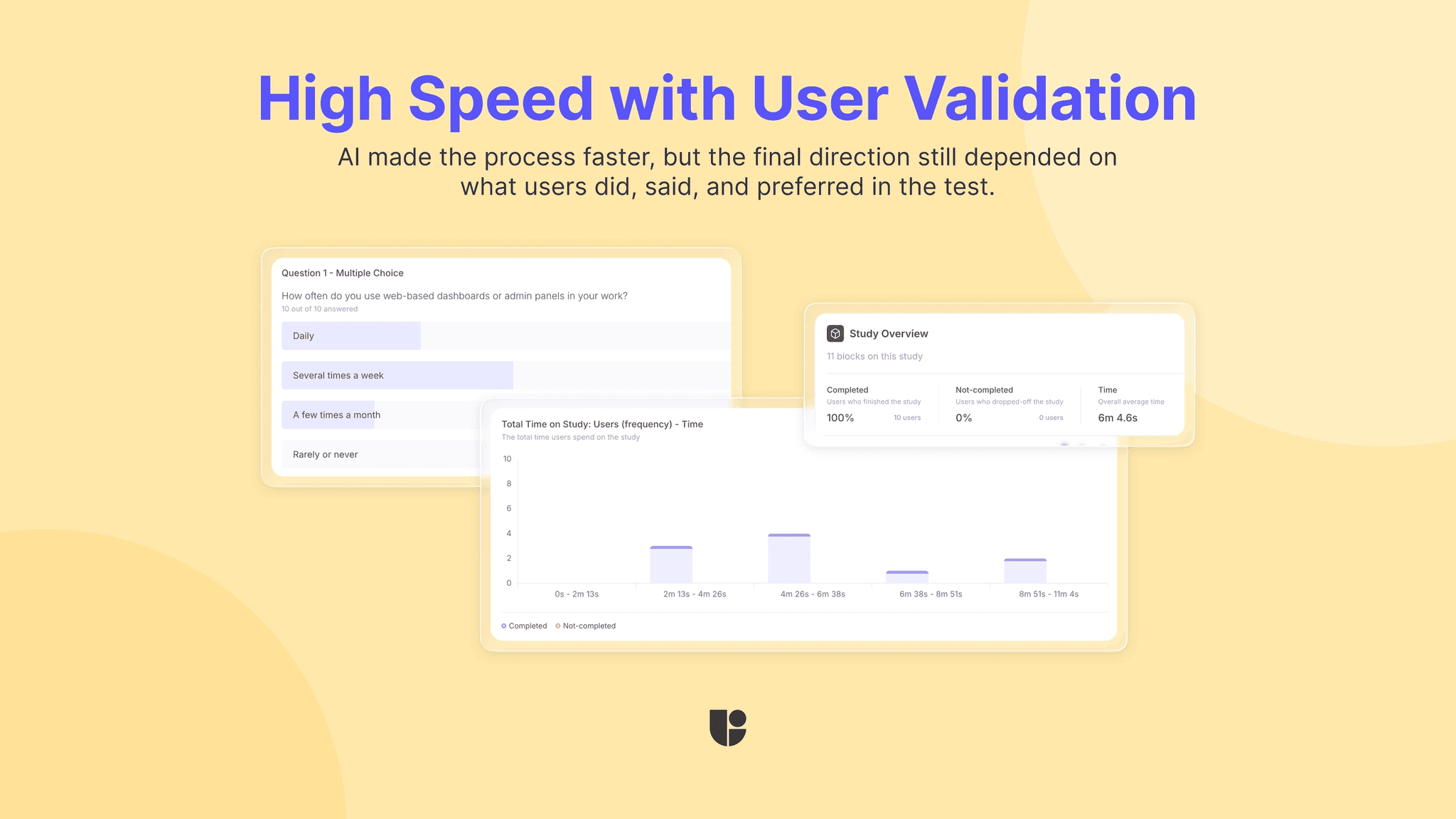
Inside Useberry, he was able to review:
task success
completion behavior
participant preferences
written explanations
User recordings
That is what made the workflow credible. Automation made the process faster, but user testing and human supervision made the outcome trustworthy.
What users revealed
In the real test Mohamed showed during the webinar, one of the variants clearly came out ahead.
Participants described it as easier to navigate and more intuitive overall. Their explanations helped reveal why the preferred direction felt stronger, and the recordings added another layer of evidence by showing how users moved through the flow.
The final design was not formed with AI decisions only. It came from a workflow where AI helped generate options quickly, and user testing helped narrow them down with evidence. The whole process was designed to empower Mohamed to make user-centric product decisions faster, with more confidence.
From insights to a final solution
After reviewing the Useberry results, Mohamed fed those learnings back into the workflow and continued refining the solution.
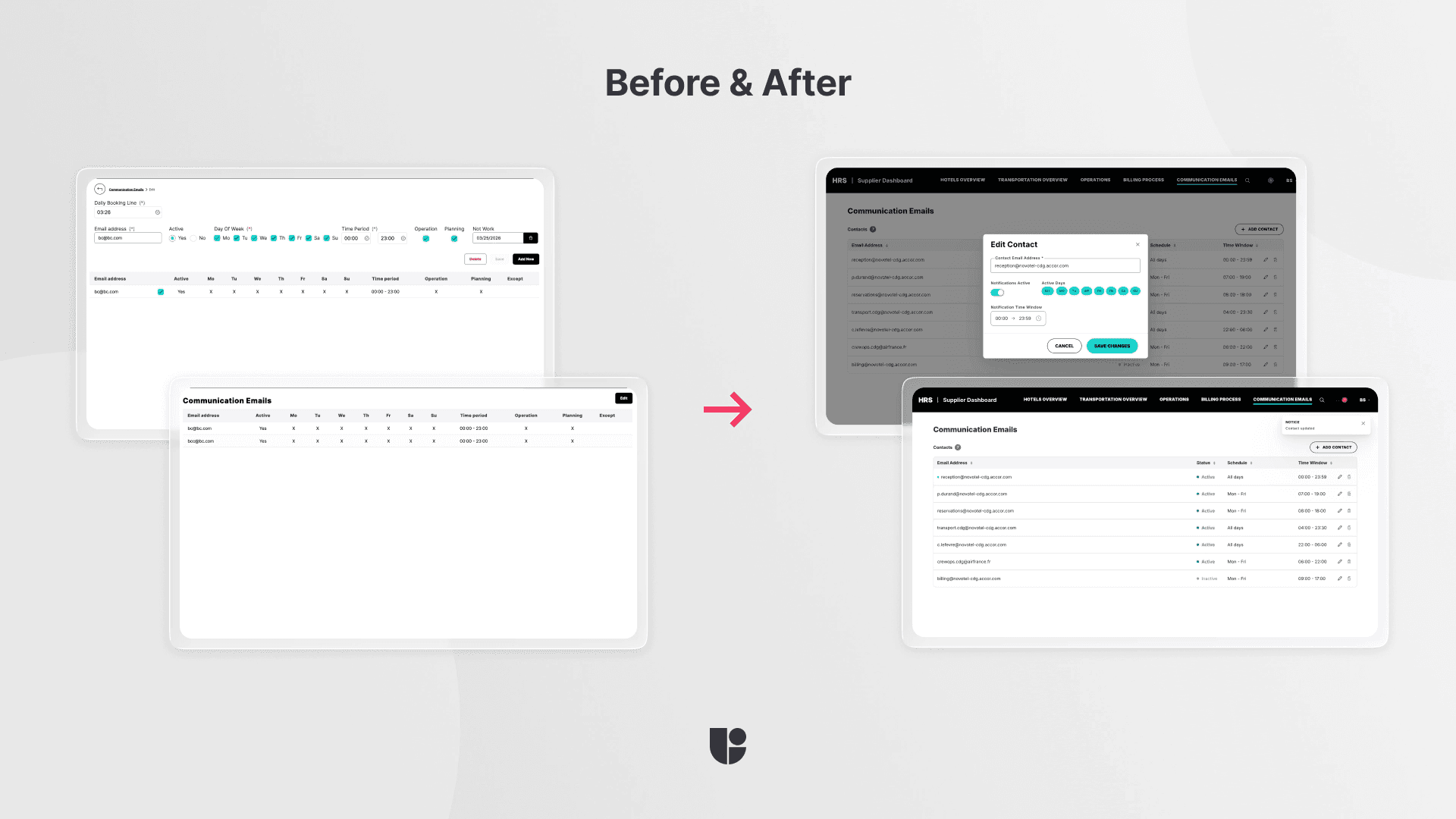
The final design was not a direct copy-paste of what Claude initially suggested. Mohamed used his own product knowledge, design system understanding, and context about users and stakeholders to shape the final version. That included choosing a direction, refining the interaction pattern, and preparing something that could be handed off more efficiently to the developers.
In the webinar, he explains that this part still needs human judgment. AI helped accelerate the process, but it did not replace the designer’s role in deciding what should move forward.
What teams can learn from this workflow
Not long ago, a process like this could easily take weeks. Teams would move from feedback to concepts, then to prototypes, then to user validation across a much slower cycle. Today, unmoderated remote user testing has already compressed a lot of that work into hours or days. With AI supporting parts of the process, from analyzing the problem to generating design options and helping set up testing, that timeline is starting to shrink again.
That does not mean quality should become an afterthought. This is what makes workflows like Mohamed’s worth paying attention to. They show that faster design and research does not have to mean lower-quality decisions. When AI support is paired with real user testing, strong prompts, and clear human oversight, teams can move faster and stay grounded at the same time.
That is a very promising direction for the future of design.