Participant Pool for Interviews: Recruit Participants for User Interviews

•
4 min read

Useberry’s Participant Pool is now available for Interviews, helping teams recruit quality participants for moderated user interviews directly inside Useberry.
Moderated user interviews help teams understand what people think, need, expect, and experience.
But before the conversation can happen, teams need participants.
That is why Useberry’s Participant Pool is now available for Interviews. Teams can now recruit quality participants for moderated user research directly inside Useberry, powered by Respondent.
This means you can move from participant recruitment to scheduling, live interviews, recordings, transcripts, highlights, and findings in one connected workflow.
What’s new?
Useberry Interviews now lets teams recruit participants for moderated studies through our Participant Pool.
With this update, teams can:
Recruit quality participants for moderated user interviews
Access B2B and B2C audiences
Use screeners to qualify participants
Schedule live interview sessions
Message participants when needed
Review and accept participant participation
Complete sessions and incentivize participants
Run interviews inside Useberry
Keep recordings, transcripts, notes, highlights, and findings connected
Powered by Respondent, the pool gives teams access to 4M+ verified participants across 150+ countries, including consumer and professional audiences.
For teams running moderated research, this means participant recruitment can now sit closer to the place where the interviews actually happen.
Recruit participants directly inside your interview workflow
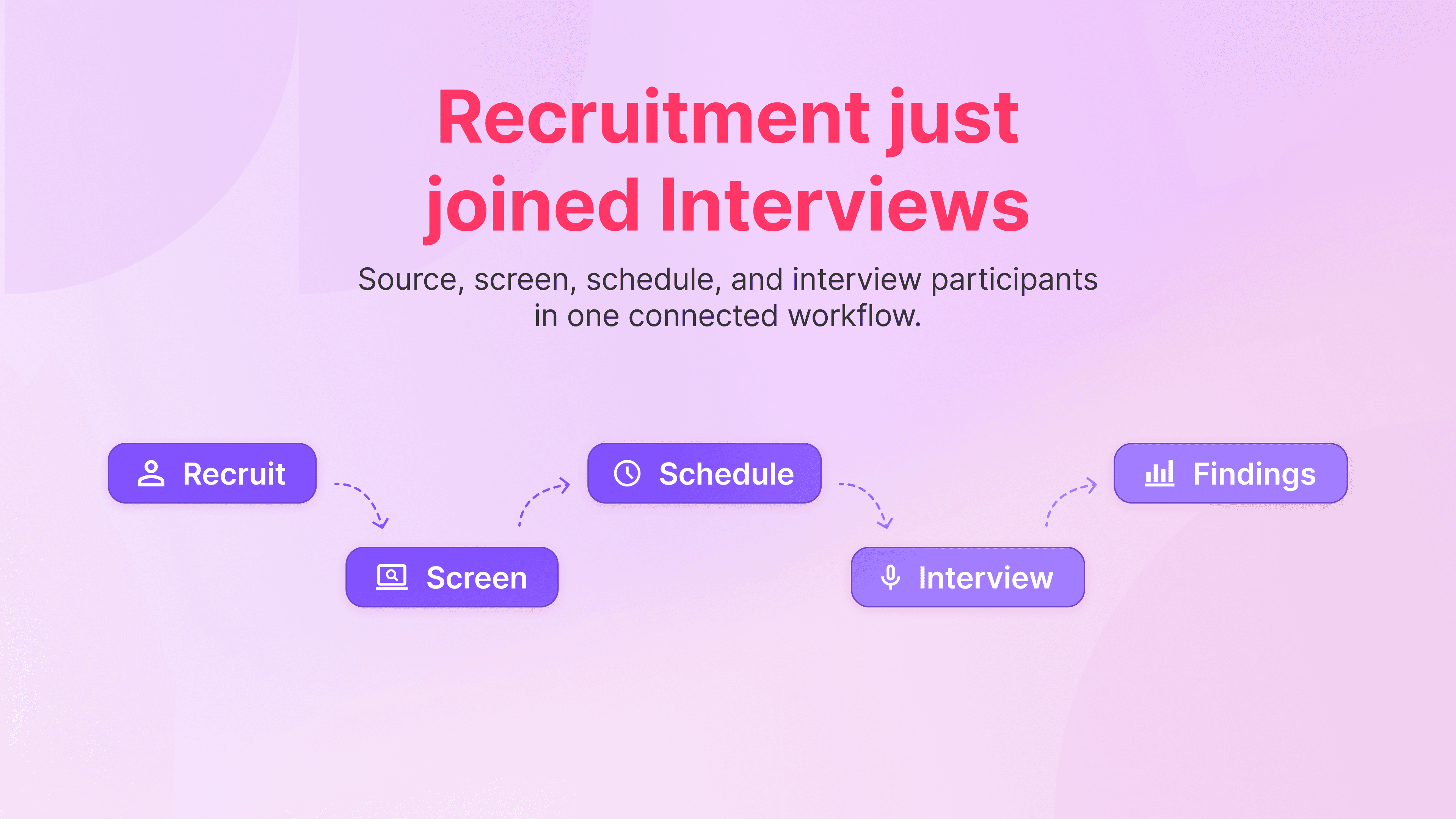
Participant recruitment often happens outside the research workflow.
Teams may recruit in one tool, screen in another, schedule somewhere else, and then bring everything back into their research platform afterward.
Useberry helps reduce that disconnect by bringing recruitment into the Interviews experience.
Now, teams can recruit participants directly through Useberry, screen them for the study, schedule live sessions, and continue into the same Interviews workflow where conversations and findings already live.
That means fewer handoffs, fewer scattered steps, and a smoother path from participant search to live session.
Built for moderated user interviews
Useberry’s Participant Pool for Interviews is designed for live, moderated research.
Use it when you need participants for:
Product discovery interviews
B2B user interviews
Customer research
Concept validation
Messaging and positioning research
Market research
Follow-up interviews after unmoderated studies
Moderated usability testing
Whether you are speaking with consumers, professionals, customers, prospects, or niche audiences, the goal is the same: recruit quality participants and bring them into live conversations with less friction.
For broader recruitment options across Useberry, including moderated and unmoderated research, teams can also explore the Participant Pool page.
A transparent review flow for researchers and participants
Participant recruitment does not end when someone books a session.
Researchers need to review participants, confirm whether a session should move forward, communicate with participants, or decide what happens after the interview.
Useberry supports a transparent, researcher and participant-friendly review flow. Teams can accept participants, disqualify participants when appropriate, mark sessions as complete, and pay participants, all from the study dashboard.
This gives researchers:
More control
Decide which sessions stay in the study and which do not.Human connection
Message participants in context, professionally and fairly.Streamlined workflows
Manage review actions, participant communication, session status, and completion from the same dashboard.Fairness and transparency
Keep actions visible to participants, so the process feels clearer and more respectful on both sides.
For moderated research, this matters. Every session involves time, coordination, and people. A clear review flow helps teams manage that process without turning participant recruitment into a black box.
Powered by Respondent

Useberry’s recruitment for Interviews is powered by Respondent.
Respondent gives teams access to 4M+ verified participants across 150+ countries, with B2B and B2C reach. Its participant network includes consumer and professional audiences, with targeting options across demographic, professional, and behavioral criteria.
For teams running moderated research, this helps make participant recruitment faster, more flexible, and easier to connect with the rest of the study workflow.
You can learn more about the integration on the Respondent integration page.
Keep the research workflow connected
With Participant Pool now available for Interviews, teams can manage more of the moderated research journey inside Useberry:
Create an Interviews study
Recruit participants through the Participant Pool
Add screeners to qualify participants
Schedule live interview sessions
Capture recordings and transcripts
Create tags, highlights, and highlight reels
Share insights with the team
This keeps recruitment closer to the place where research actually happens.
Start recruiting for Interviews
Useberry now helps teams recruit quality participants for moderated user interviews directly inside the platform.
It brings participant recruitment into the same workflow where teams already schedule sessions, run live conversations, capture transcripts, and turn interview moments into connected findings.